
AI Support Pricing Guide
A plain guide to AI support pricing: the models you'll see, what drives cost up or down, how to estimate savings, and when to build versus buy.
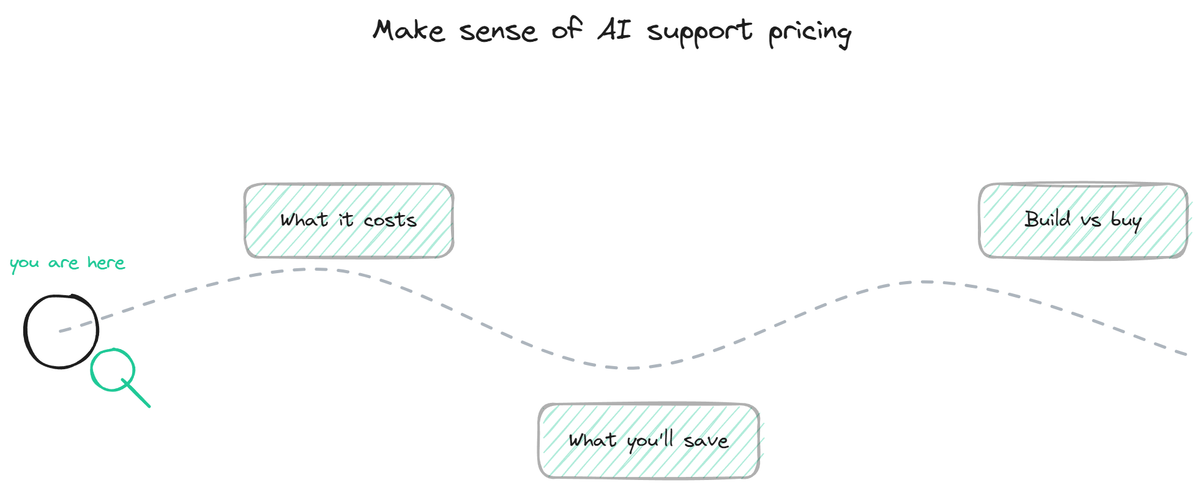
AI support pricing confuses buyers because there is no single number and the vendors do not make the models easy to compare. One tool charges per resolution, another per seat, another by usage tier, and each frames the math to flatter itself. This guide cuts through that. It lays out the pricing models you will encounter, the variables that actually move your cost, how to estimate what you would save, and when building your own makes more sense than buying. It is the map for the rest of this silo: each section points to a deeper page, and you can start wherever your question is.
Why AI support pricing is hard to compare
The difficulty is structural, not accidental. Support tools price on different units (resolutions, seats, conversations, usage tiers), so a quote from one vendor cannot be lined up against another without converting them to a common basis. A "per resolution" price and a "per seat" price are not comparable until you model your own volume through both, which is exactly the work vendors hope you skip.
On top of that, the right price genuinely depends on your situation. Volume, number of workspaces, knowledge-base size, and whether the bot just answers or also executes actions all move the number, sometimes by an order of magnitude. A solo founder and a growing company asking "what does it cost" have different correct answers, so any single headline figure is either useless or misleading.
This guide does not give you one number. It gives you the structure to figure out your number, and points to the pages that go deep on each piece.
What this guide covers
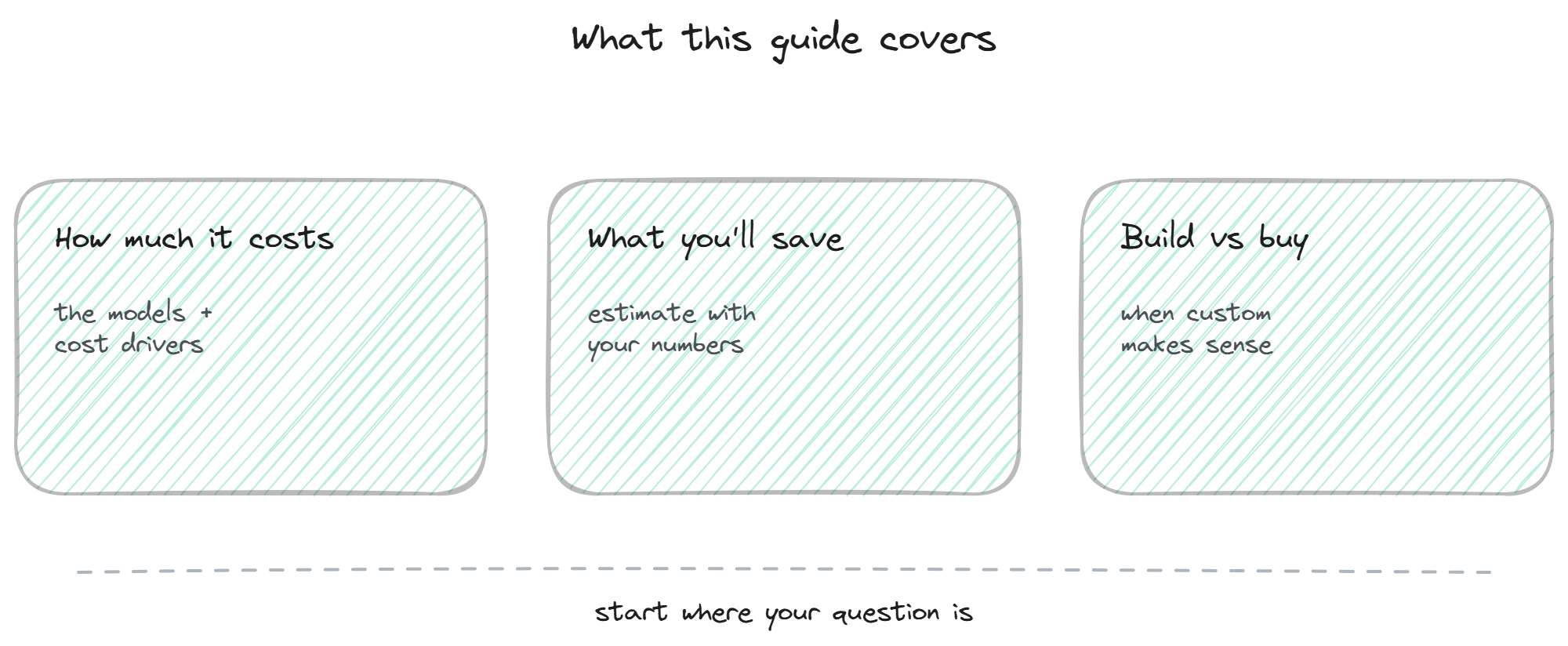
The silo breaks into three questions, and most buyers have one of them top of mind.
How much it costs. If you want to understand the pricing models, what drives the price up or down, and how the cost compares to human support, the how much it costs page is the place to start. It covers per-resolution versus per-seat versus tiered usage, and why the language model itself rarely drives the price.
What you would save. If you already roughly understand the cost and want to know whether it pays off, the savings estimate tool lets you plug in your ticket volume, cost per ticket, and deflection rate to get a transparent savings figure with your own numbers, not vendor math.
Whether to build or buy. If you are weighing building your own support bot against buying one, the build vs buy page covers the full cost of building (development, maintenance, the action layer, time to value) against a subscription, so the comparison accounts for what custom actually costs over time.
In short, deciding whether to build vs buy an AI support agent comes down to the true cost of the custom action layer and its upkeep versus a flat subscription.
You do not need to read them in order. Pick the one that matches your question; each links to the others where they connect.
The short version of each
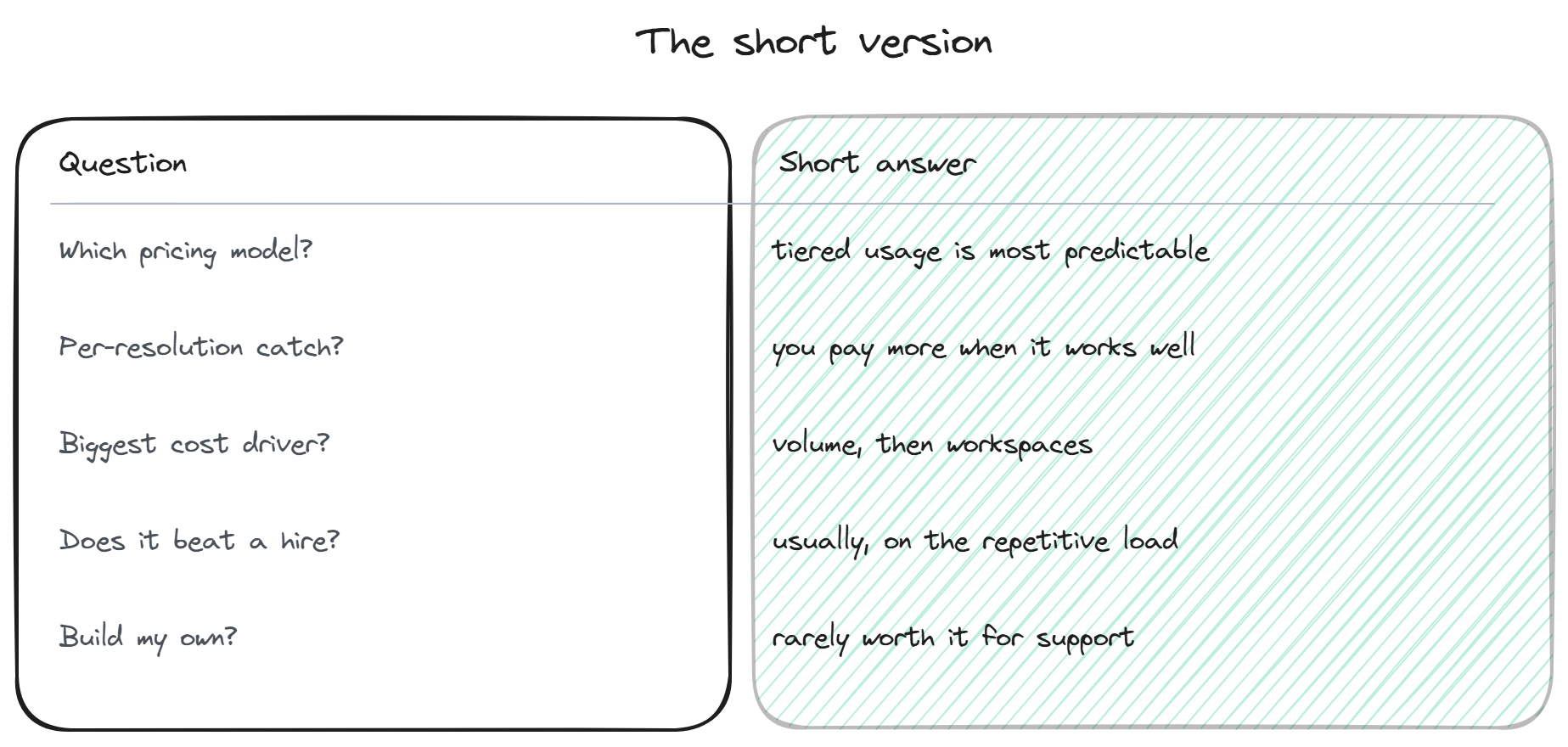
If you want the conclusions before the detail, here they are.
- On models, tiered usage pricing is usually the most predictable for a buyer, because a flat monthly tier does not spike when the bot works well or when volume surges. Per-resolution sounds fair but charges you more precisely when the bot succeeds, and per-seat maps poorly to a tool whose value is reducing seats.
- On cost drivers, volume is the biggest, followed by the number of workspaces and knowledge-base size. The action layer (booking, lookups, ticket creation) adds cost where it is used, and that is often where the value sits. The language model cost is almost always bundled into the tier, so you are not metered on it directly.
- On the comparison to human support, the bot usually wins on the repetitive load, because it covers that volume around the clock in many languages at a flat cost while a hire scales linearly and covers one timezone for part of a day. You keep humans for the hard cases; the bot absorbs the rest.
- On build versus buy, building your own support bot is rarely worth it once you account for the action layer, the maintenance, and the time to value, which the dedicated page breaks down.
BestChatBot uses tiered usage pricing across four plans (Free, Starter, Pro, Business), differentiated by monthly responses, active workspaces, knowledge-base size, and trainable sources, with a free tier so you can test before paying. To see the actual plans and prices, see plans.
FAQ
- Is this the same as the pricing page? No. This guide explains how AI support pricing works in general so you can evaluate any vendor. The plans page shows the actual tiers and prices. Use the guide to understand the models, the plans page to see the numbers.
- Which pricing model should I prefer as a buyer? Tiered usage, in most cases, because it is predictable and does not penalize you when the bot works well. Per-resolution can work with careful volume modeling; per-seat is a poor fit for AI. The cost page goes deeper on each.
- How do I know if it will pay off for me? Use the savings estimate tool with your real numbers: ticket volume, fully-loaded cost per ticket, and a realistic deflection rate. If even conservative inputs show meaningful savings, the case is solid.
- Should I just build my own bot? Rarely worth it for support, once you account for the action layer, ongoing maintenance, and time to value. The build vs buy page lays out the full comparison so you can decide for your situation.
- Where should I start? With whichever of the three questions is top of mind: cost, savings, or build-versus-buy. Each page links to the others where they connect, so you can follow the thread from any entry point. To see the plans directly, see plans.
For the actual plans and prices, see plans.
New to how these tools charge? Start with the common AI support pricing models and how they compare.
If a free tier is where you would rather begin, our guide to the free AI chatbot option walks through what you actually get at no cost and where the paid plans pick up.