
AI Support ROI Calculator
Estimate the payback of an AI support agent with your own numbers: ticket volume, cost per ticket, and deflection rate. See your monthly savings in seconds.
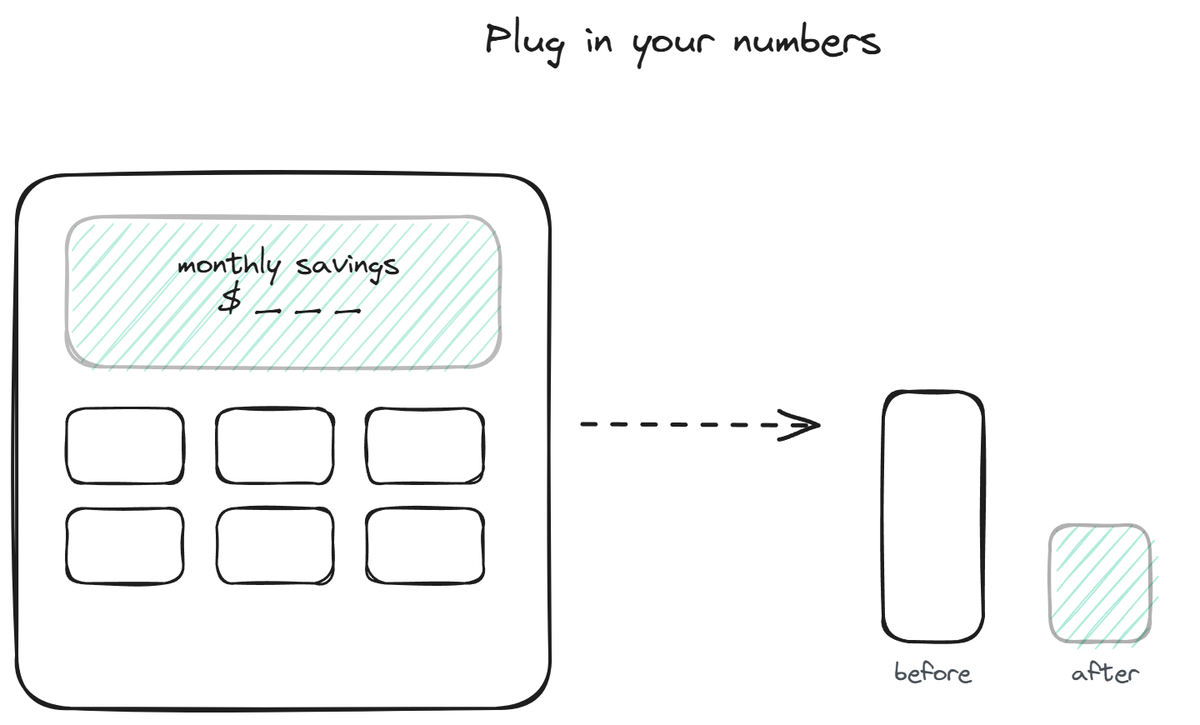
This calculator estimates the monthly savings of automating part of your support, using your own numbers instead of a vendor's marketing math. Plug in how many tickets you handle, what each one costs you, and how much of that volume an AI agent could deflect, and it returns a savings estimate and a rough payback against the tool's cost. The point is not to produce a precise figure (no calculator can, because every support operation differs) but to give you a defensible, transparent estimate you can pressure-test with your own assumptions. This page explains the inputs, the math behind them, and how to read the result honestly.
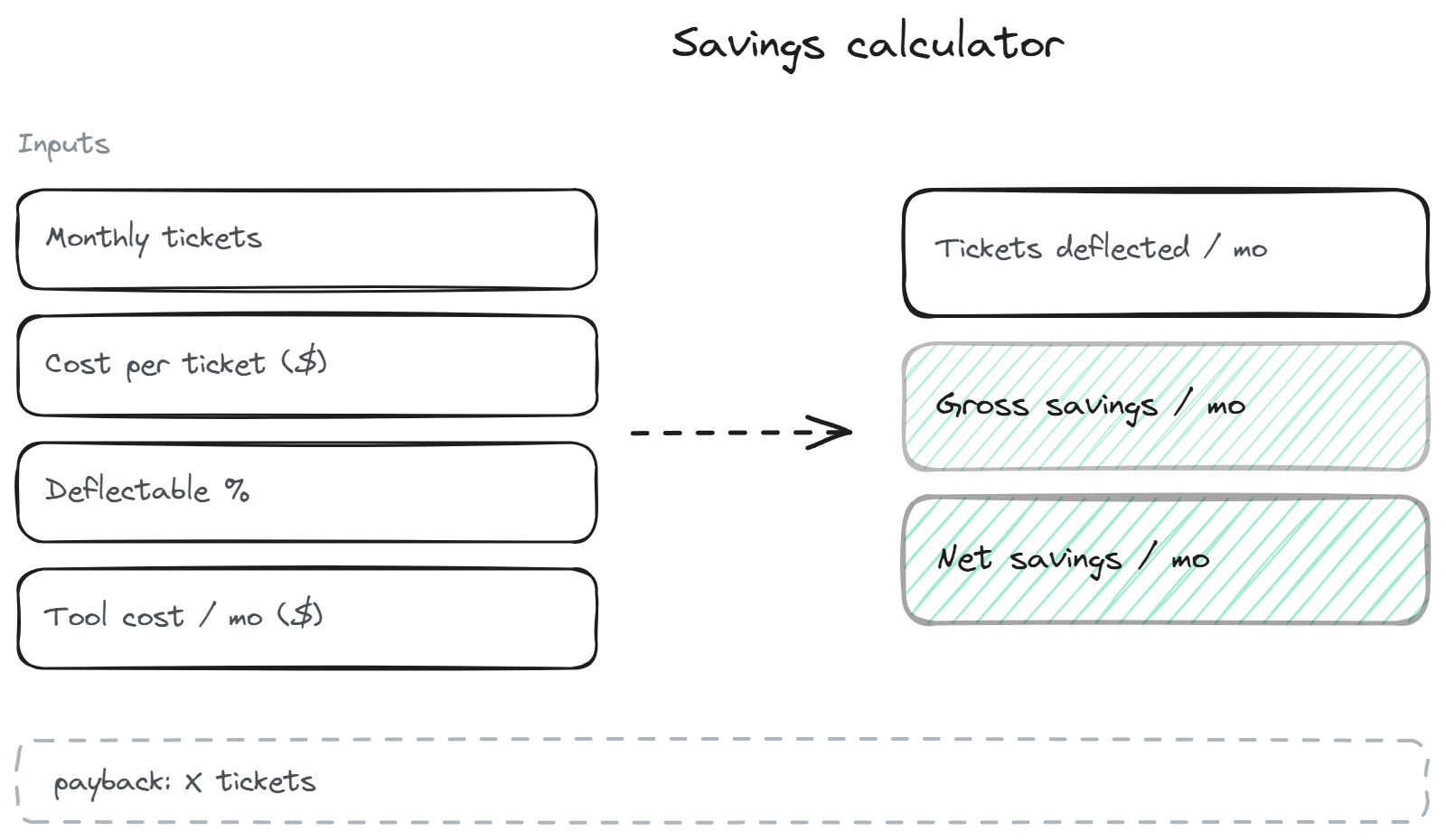
The inputs and what they mean
The calculator needs four numbers, and each one is something you can estimate from your own data.
Monthly tickets is your total inbound support volume across channels. If you do not track it precisely, a rough count from your inbox or help-desk tool is fine for an estimate. This is the pool the deflection applies to.
Cost per ticket is what a single support interaction costs you, fully loaded. The honest version includes the support person's time (salary and benefits divided into hours, times the average handle time), not just a guess. Many teams land somewhere in the single-digit-to-low-double-digit dollars per ticket; use your real figure if you have it, because this number drives the result more than any other.
Deflectable percentage is the share of your volume an AI agent could realistically handle. This is the input people get wrong, usually by being too optimistic. A defensible estimate looks at how much of your volume is repetitive and factual versus complex and human-needing. The deflection page breaks down which categories deflect well; for most teams the deflectable share is a large slice but not everything.
Tool cost per month is what the AI agent costs at the tier matching your volume. This turns gross savings into net savings and gives you the payback. The pricing guide covers how to find the right tier for your volume.
That tool-cost input assumes you are buying an agent rather than building one; if you are still deciding, our guide on how to build vs buy an AI support agent shows why a custom build rarely lands at the clean subscription figure you would plug in here.
The math behind the result
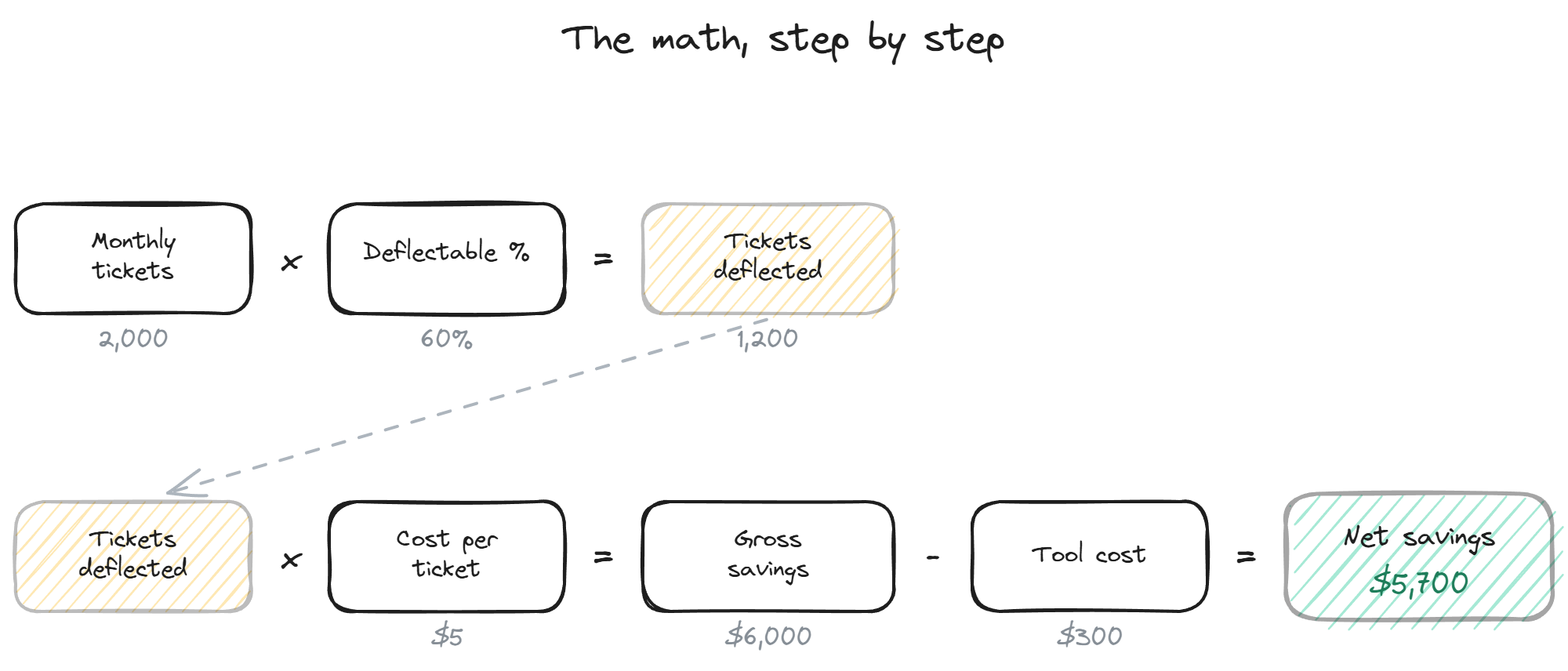
The calculation is deliberately simple and transparent, so you can check it by hand.
Tickets deflected per month is your monthly tickets times the deflectable percentage. If you handle 2,000 tickets and 60% are deflectable, that is 1,200 tickets the bot handles instead of a human.
Gross savings per month is tickets deflected times cost per ticket. At 1,200 deflected tickets and a $5 cost per ticket, that is $6,000 a month of support time the bot absorbs.
Net savings per month is gross savings minus the tool cost. If the tool costs $300 a month at your tier, net savings are $5,700, and the payback is the point where deflected savings exceed the tool cost, which in this example happens in the first fraction of the month.
The reason to keep the math this simple is that you can see exactly where the result comes from and adjust any assumption you disagree with. A calculator that hides its math behind a black box produces numbers you cannot defend to anyone, including yourself.
How to read the result honestly
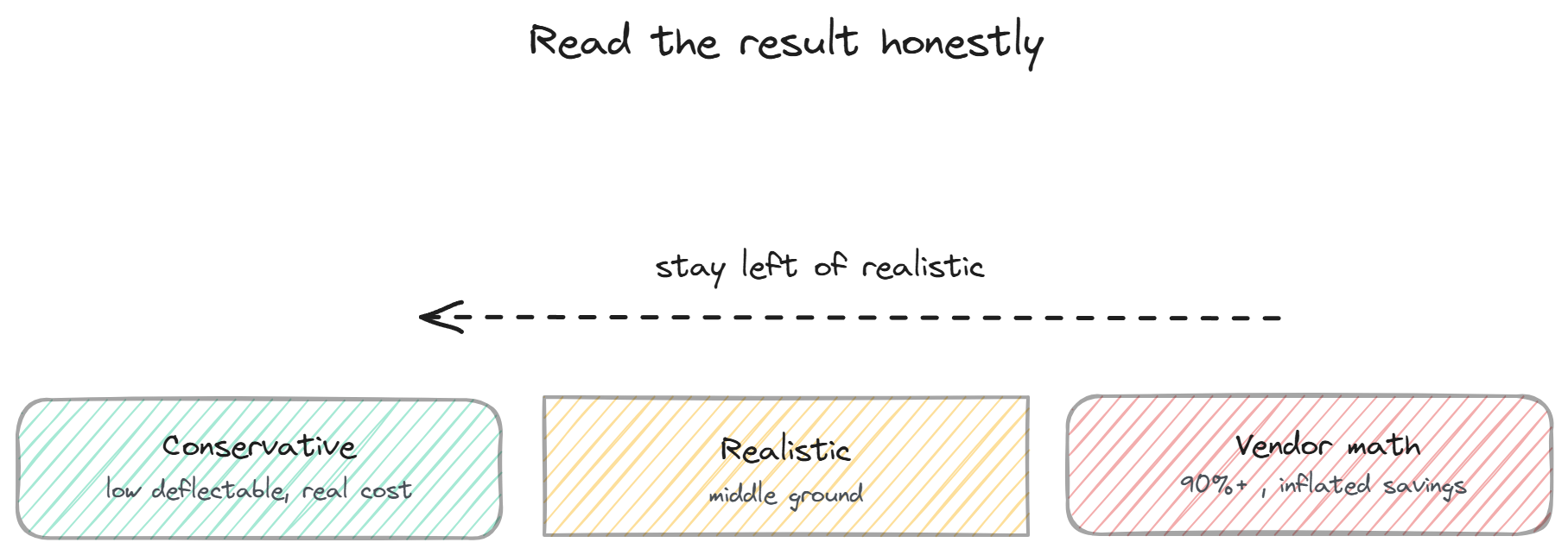
A savings estimate is only useful if you do not fool yourself, and the easiest way to fool yourself is optimistic inputs. The two inputs most prone to inflation are deflectable percentage and cost per ticket.
On deflection, resist the vendor-math temptation to assume 90%+. A realistic deflectable share accounts for the complex, sensitive, and edge-case volume that should reach a human. Erring conservative gives you a number you can defend and likely beat, which is better than a rosy number that disappoints.
On cost per ticket, use your real fully-loaded figure rather than a high guess that inflates the savings. The result should survive scrutiny from someone skeptical, which a conservative input set provides and an optimistic one does not.
The result is best read as a range, not a point. Run the calculator with conservative inputs and with realistic inputs, and treat the gap as your likely range. If even the conservative end shows meaningful savings, the case is solid. If only the optimistic end works, the case is shaky and worth examining before committing. For a deeper look at the cost side that feeds this tool, see the pricing guide.
BestChatBot offers four tiers (Free through Business) so you can match the tool cost in this calculator to your actual volume, and a free tier means a small team can test the savings before paying anything. For the actual plans and prices, see plans.
FAQ
- How accurate is this calculator? It is an estimate, not a guarantee. The math is transparent and correct, but the result is only as good as your inputs, especially deflectable percentage and cost per ticket. Use conservative inputs and read the result as a range rather than a precise figure.
- What deflectable percentage should I use? A realistic one, based on how much of your volume is repetitive and factual versus complex and human-needing. Avoid vendor-math optimism. For most teams the deflectable share is a large slice but well short of everything; the deflection page covers the categories.
- How do I find my cost per ticket? Take your support person's fully-loaded cost (salary plus benefits), convert to an hourly rate, and multiply by your average handle time per ticket. If you cannot calculate it precisely, a conservative estimate is fine for a directional result.
- Does the calculator account for the tool cost? Yes, the net savings figure subtracts the monthly tool cost, and the payback shows when deflected savings exceed it. Match the tool-cost input to the tier that fits your volume, which the pricing guide helps you find.
- What about the value beyond cost savings? This calculator only models the cost side (deflection savings). The revenue side (recovered sales, faster answers, 24/7 coverage) is real but harder to quantify, so it is not included here. Treat the savings estimate as a floor on the value, not the whole picture. For the actual plans, see plans.
For the actual plans and prices, see plans.
Not sure which billing structure fits your volume? Compare the per-resolution, per-seat, and flat-rate pricing models.