
Best AI Agent for SaaS: How to Pick One That Deflects Product Tickets
The best AI agent for SaaS answers product questions from your own docs, declines when it is unsure, and runs per-user actions once identity checks out.
Open a SaaS support queue on a Monday and the pattern is hard to miss. The same product questions cycle through again and again. How do I reset my password, why did my plan hit its limit, where do I change the billing email, how do I connect the account I already pay for. Your reps answer each one by hand, usually by pasting a link to a help article the customer never found. The tickets that actually need a person, the edge cases and the frustrated ones, wait in line behind the repeats.
An AI agent is supposed to clear that repeat layer so your team can work on the hard stuff. Plenty of tools claim it. Fewer do it without inventing answers your customers will screenshot back to you. This is a buyer's guide to picking the best AI agent for SaaS: what to look for, what to walk away from, and how our own product handles the job. We ran a SaaS support desk before building this, so the checklist below comes from real queues, not a feature sheet.
What SaaS support really looks like
SaaS support has a shape that retail chat or lead capture does not. Most of your volume is product questions, and most product questions already have an answer written down somewhere in your docs, changelog, or help center. The customer just did not read it, or could not find it. So the win for a SaaS team is not clever small talk. It is deflection: answering the repeat question correctly, on the spot, so it never becomes a ticket.
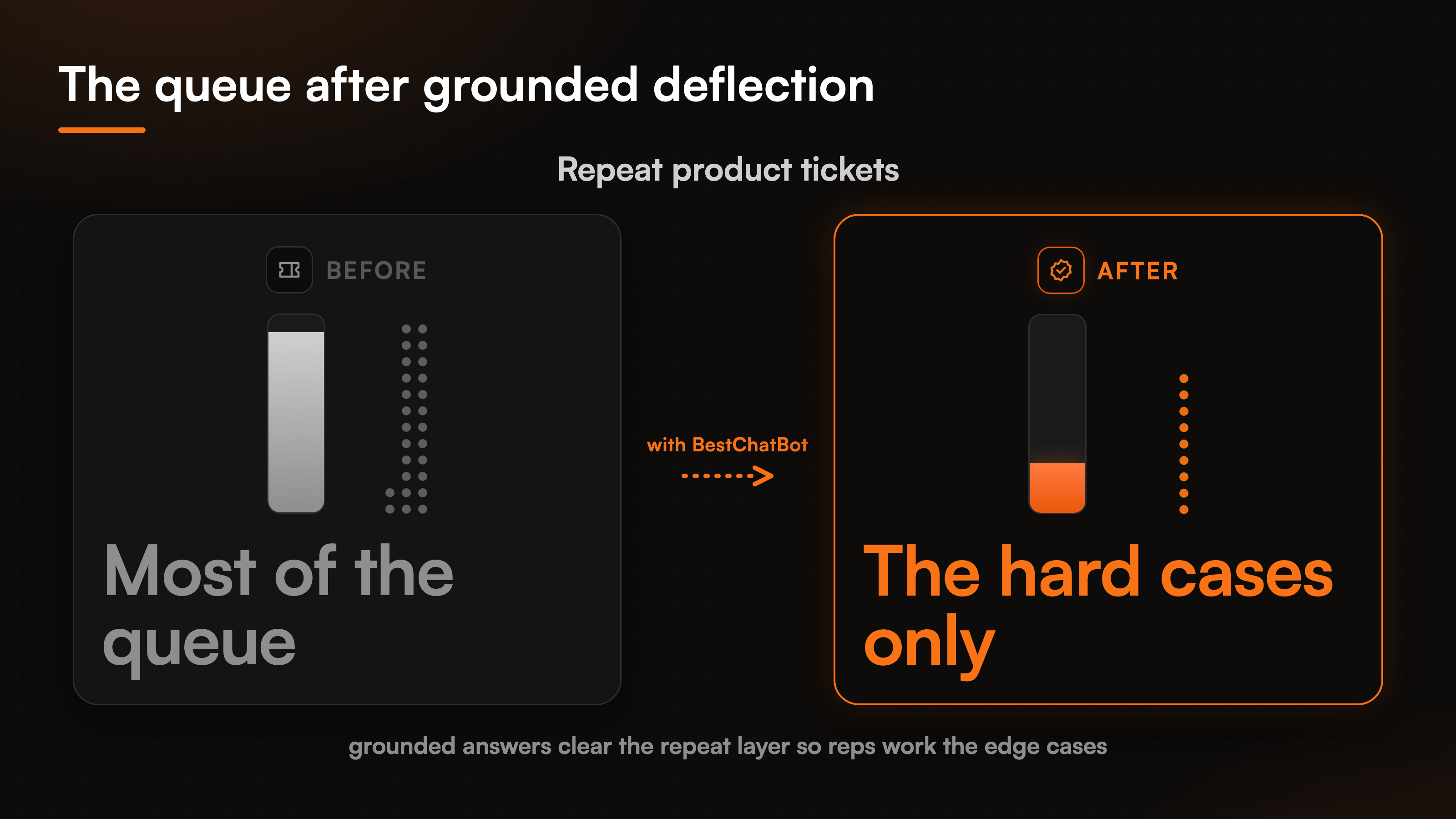
We built the widget with that math in mind. When the same forty or so questions make up the bulk of a queue, a grounded agent that answers them from your own docs takes a real bite out of the volume. The graphic below shows the effect we care about: the repeat layer shrinks, and your reps get their attention back for the tickets that need a human. That shift, from most of the queue being repeats to mostly hard cases, is the whole point of SaaS customer support automation.
What to look for in an AI agent for SaaS
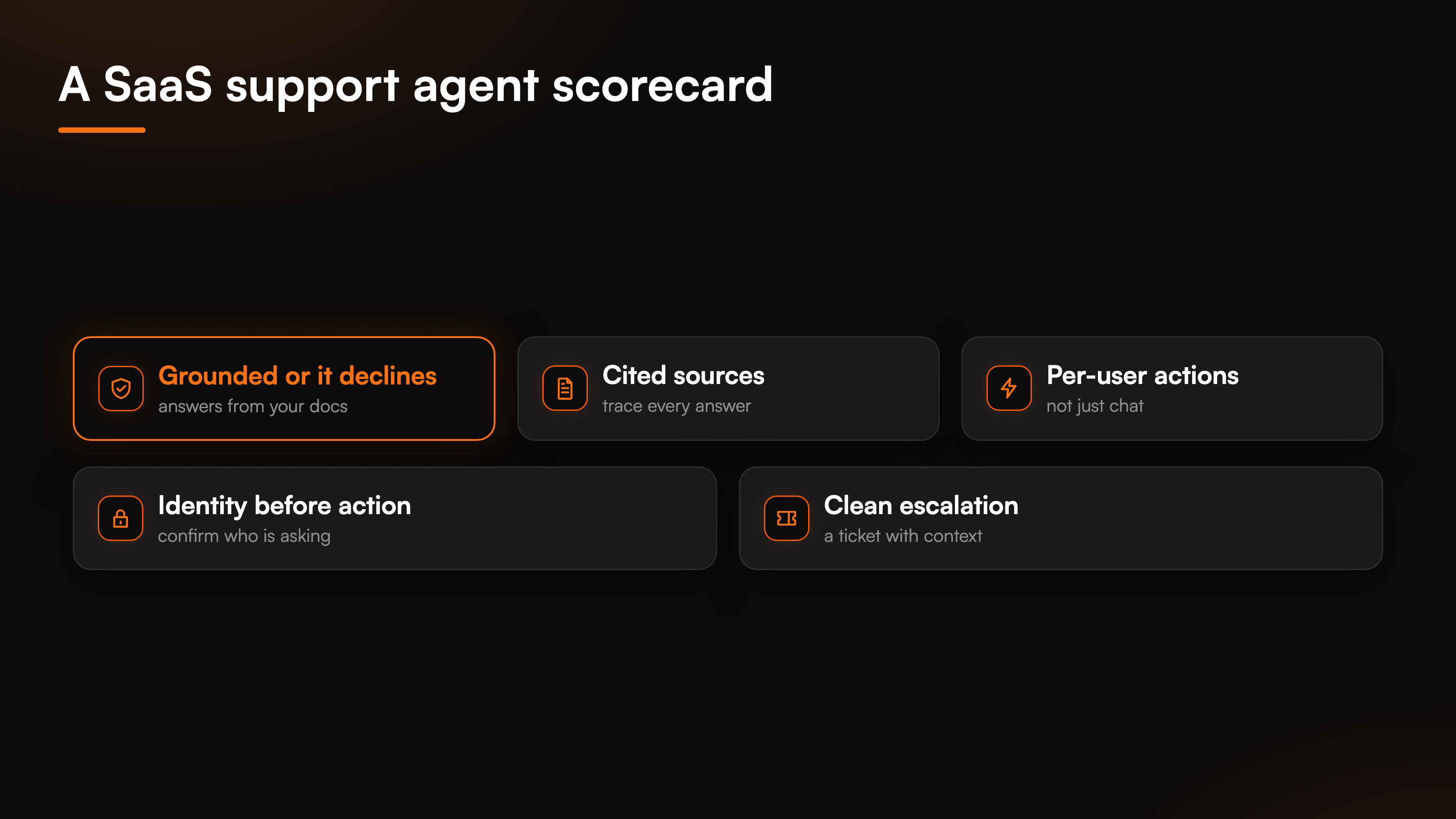
Before you compare logos, get honest about the checklist. A SaaS support chatbot earns its place only if it clears a few bars. Here is the short list we would hold any tool to, ours included.
- Grounded answers. It should answer from your product docs and help center, not from a general model's best guess. When a question falls outside what it was trained on, it should decline instead of making something up.
- Cited sources. A good answer can show where it came from, so a customer and your team can trust it.
- Per-user actions. Product support is personal. The agent should do real things for the logged-in user, not just talk about them.
- Identity before action. Anything tied to a specific account has to confirm who is asking first.
- A clean escalation path. When the agent cannot resolve it, the question should land in your support tool as a ticket, with the conversation attached.
Notice what is not on the list: a promise of a hundred connectors, or a bot that teaches itself. We are skeptical of both. A tool that claims to learn on its own tends to drift in ways nobody notices until a customer does, and a connector count in the hundreds usually means shallow support for each one. Depth on the tools your SaaS actually runs beats a long menu you will never finish wiring.
Grounded answers, straight from your docs
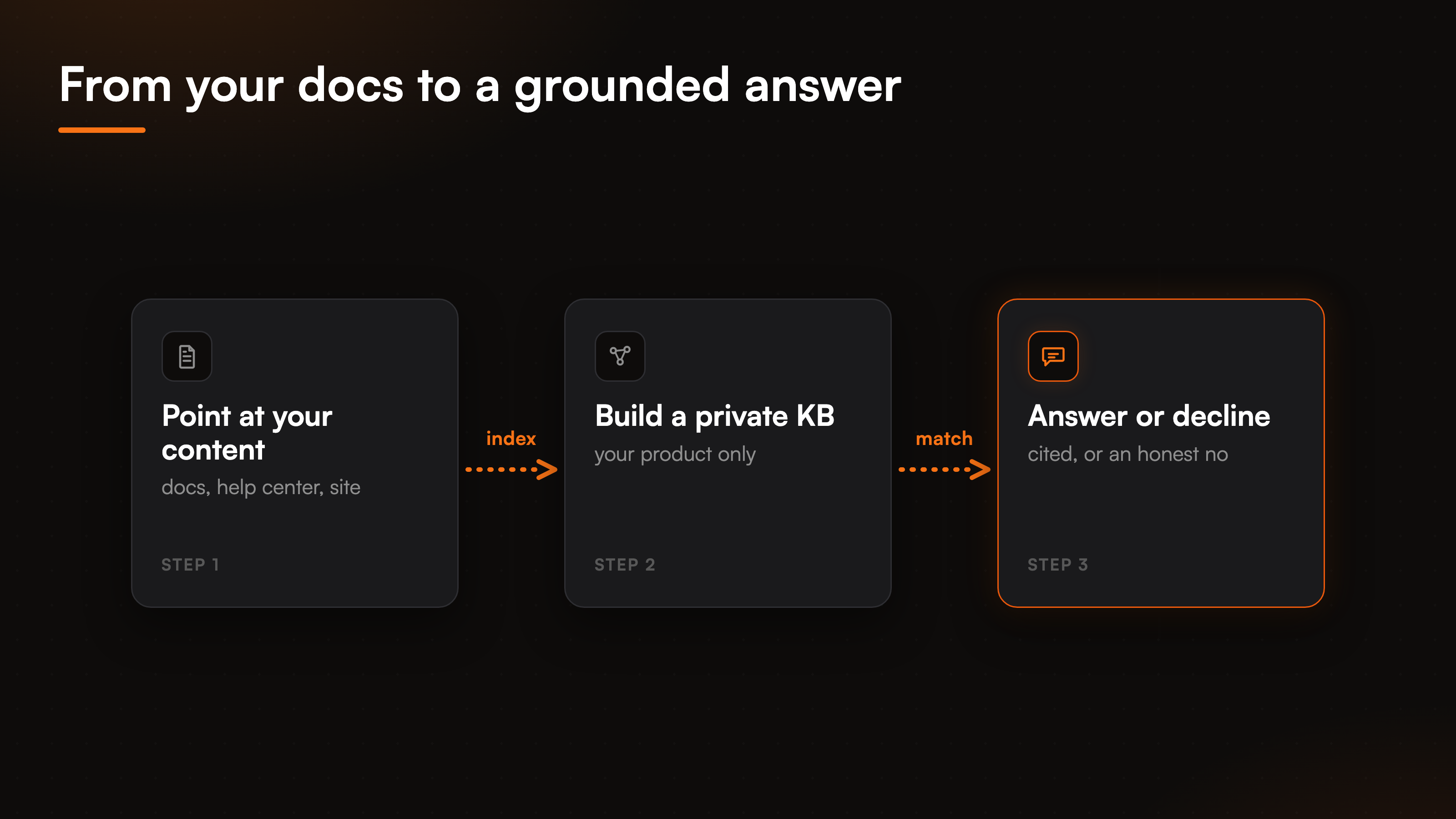
This is the part that decides whether you can put the agent in front of paying customers. An AI support agent for SaaS should treat your documentation as the single source of truth. You point it at your docs, your help center, or your public site by full domain, sitemap, or a single URL, and it answers from that content only. Ask it something the docs do not cover and it says so, rather than inventing a plausible workaround that falls apart in production.
Grounding on your own material is the mechanism that makes this safe to ship. It is worth reading how a chatbot built from your docs actually assembles its knowledge before you trust it with customers. When change detection catches an updated help article, the agent re-reads it, so a support answer never lags a shipped feature by weeks. That is what turns a plain SaaS help center chatbot into grounded AI support your team is not scared to leave running overnight.
Per-user actions, gated by identity
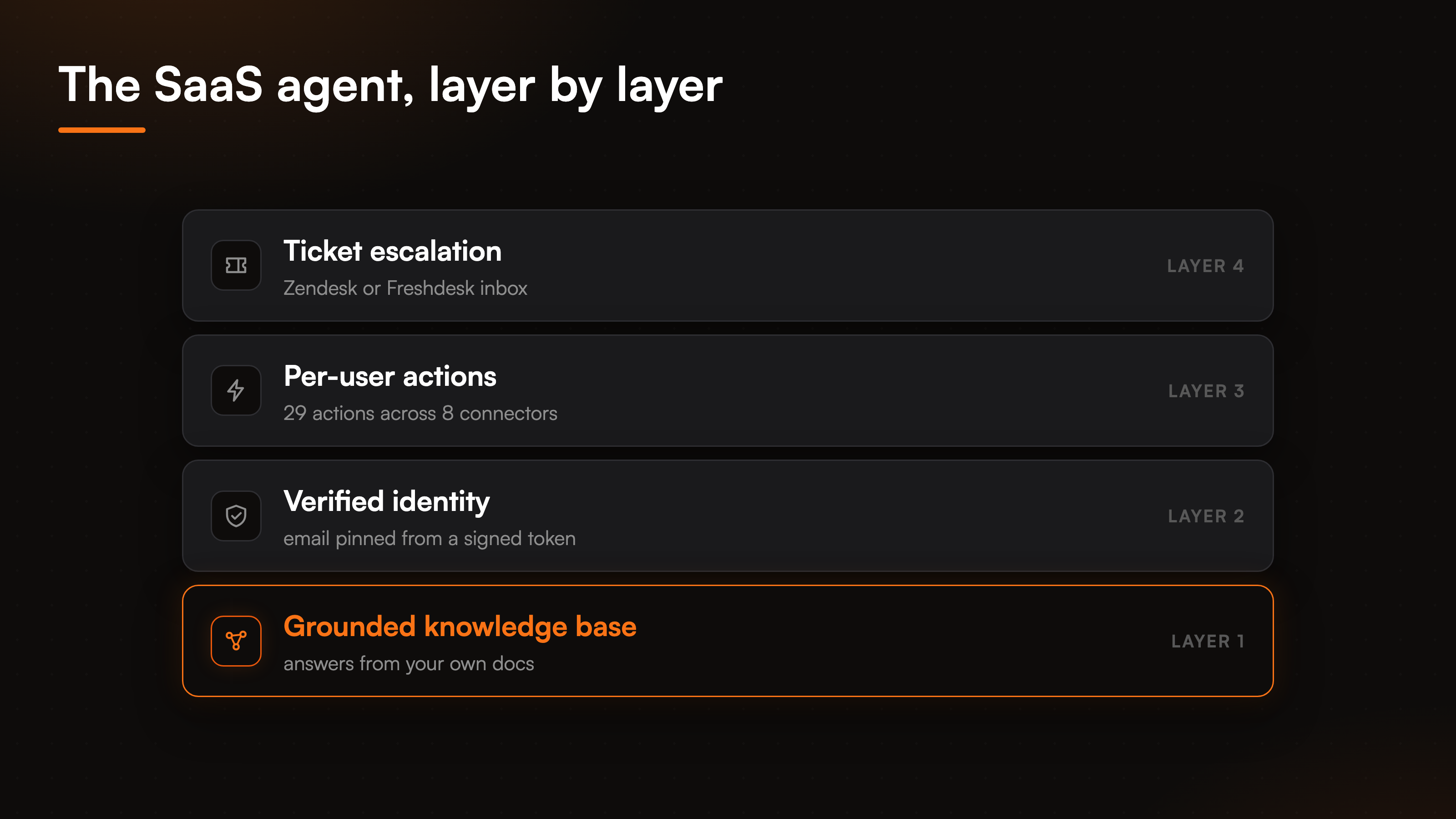
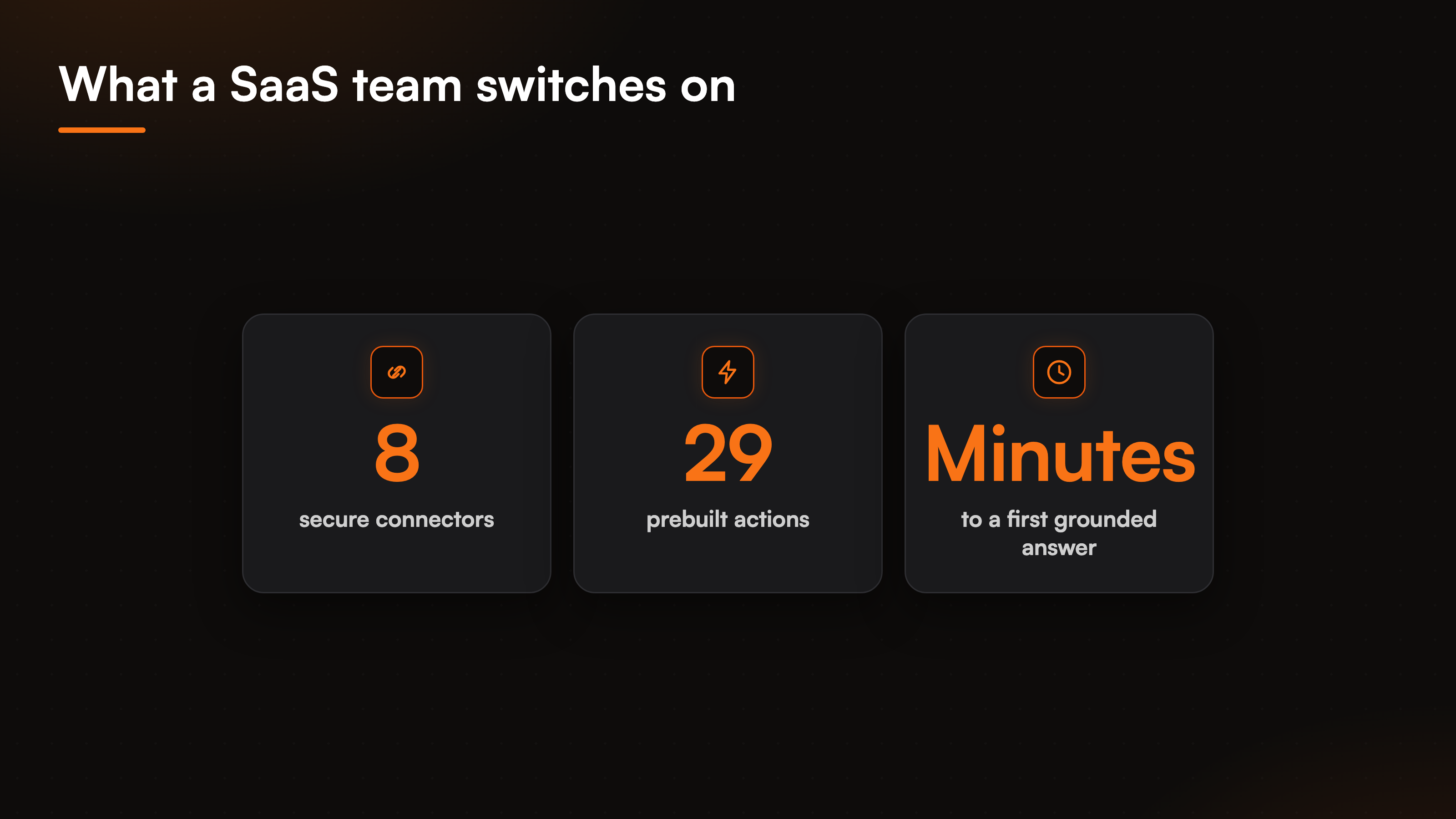
Answering is table stakes. What separates a real support agent from a fancy search box is whether it can do the thing the customer asked for. On the Pro and Business plans, the agent runs actions through secure connections. A customer can book a demo through Cal.com or Calendly, check or change a subscription through Stripe, or get logged as a contact in HubSpot, all inside the chat. There are 8 connectors and 29 prebuilt actions in total, and they are exclusive by category: one calendar, one support desk, one store. You wire the stack you already run.
The rule we will not bend: anything tied to a specific account requires a verified identity first. The agent pins the customer's email and name from a signed token your app issues, never from whatever they type into the box. So when someone asks to cancel their plan, the agent acts on their real account, not a guessed one. Change a subscription, check a renewal date, update a contact: each one runs against the verified user, so support never touches the wrong record.
When the agent cannot close the loop, it does not pretend a human is standing by. It files a ticket in Zendesk or Freshdesk (you pick one) and routes it to your team's inbox with the full conversation attached. Your rep opens a ticket that already has context, not a cold "customer needs help." The figure below stacks those layers in the order they run.
Shortlisting without the noise
We are not the only agent a SaaS team should weigh, and a fair guide points past its own product. If you are moving off a support-desk suite, the Intercom alternative breakdown is the closer read. If you have been testing doc-trained bots, the Chatbase alternative comparison covers that trade-off in depth. The full set of head-to-heads sits on the compare hub, and the industry view lives on our AI support agent for SaaS page.
Run every option through the same test: does it stay grounded, can it act, and does it verify who is asking before it touches an account. Most tools pass one of those three. The short version of what BestChatBot brings to the table looks like this.
FAQ
What makes an AI agent good for SaaS specifically?
SaaS support is mostly repeat product questions that already have a documented answer, plus a slice of account-specific requests. The best AI agent for SaaS deflects the first group by answering from your docs, and handles the second by running per-user actions once it verifies identity. A generic chat widget does neither well.
Can the agent answer product questions without inventing?
Yes, because it only answers from the content you gave it. Point it at your docs, help center, or site, and it grounds every reply in that material. When a question falls outside your knowledge, it declines and can escalate instead of guessing. It can also show the source behind an answer.
Does the AI agent handle account-specific actions?
On Pro and Business, it does. It books demos, checks or changes subscriptions, and logs CRM contacts through 8 connectors and 29 actions. Anything tied to one customer needs a verified identity first, and the email is pinned from a signed token so the agent acts on the right account.
What happens when the agent cannot answer?
It creates a ticket in Zendesk or Freshdesk and sends it to your team with the conversation attached. There is no fake live handoff. The question moves to a human with context already in place, so nobody starts from scratch.
How fast can a SaaS team get this live?
Minutes to a first grounded answer once your docs are loaded, since the agent installs as a widget snippet. Turning on connectors and identity-gated actions is a short setup per tool, not a multi-week build.
Ready to match a plan to your ticket volume? Start with the pricing guide and see where grounded answers end and paid actions begin.