
Best Chatbot Tools for Customer Support
The best chatbot tools for customer support compared by grounding, action execution, setup, and pricing. How to pick AI chatbot software that resolves tickets.
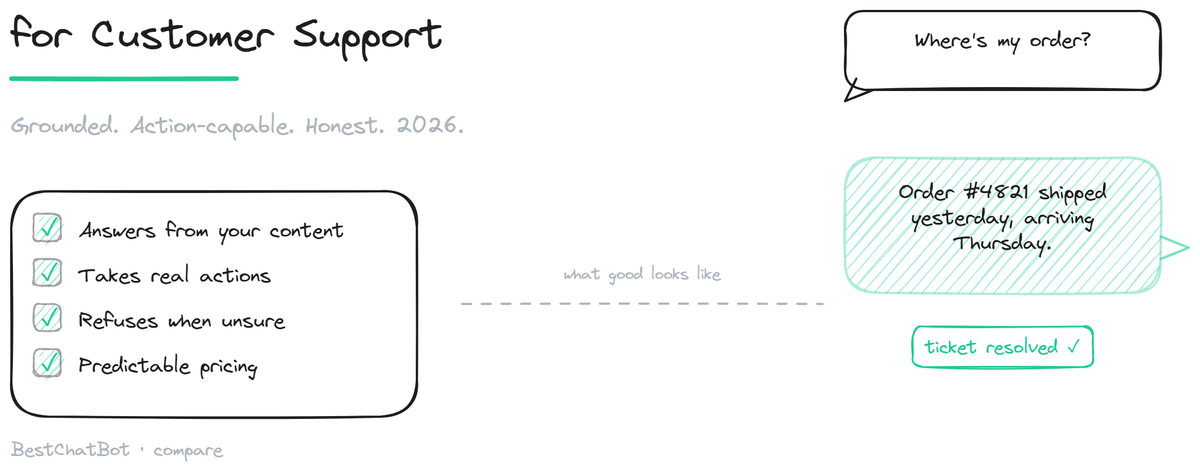
The best chatbot tools for customer support in 2026 are not the ones with the longest feature lists. They are the ones that answer accurately from your content, take real actions when needed, refuse honestly when they do not know, and cost what you expect at the volume you actually run. Most chatbot tools fail on at least one of those, and the failure is invisible until the bot is live and the support inbox is somehow fuller than before. This page covers the categories of chatbot tools, what separates the useful ones, and how to choose without getting lost in feature checklists.
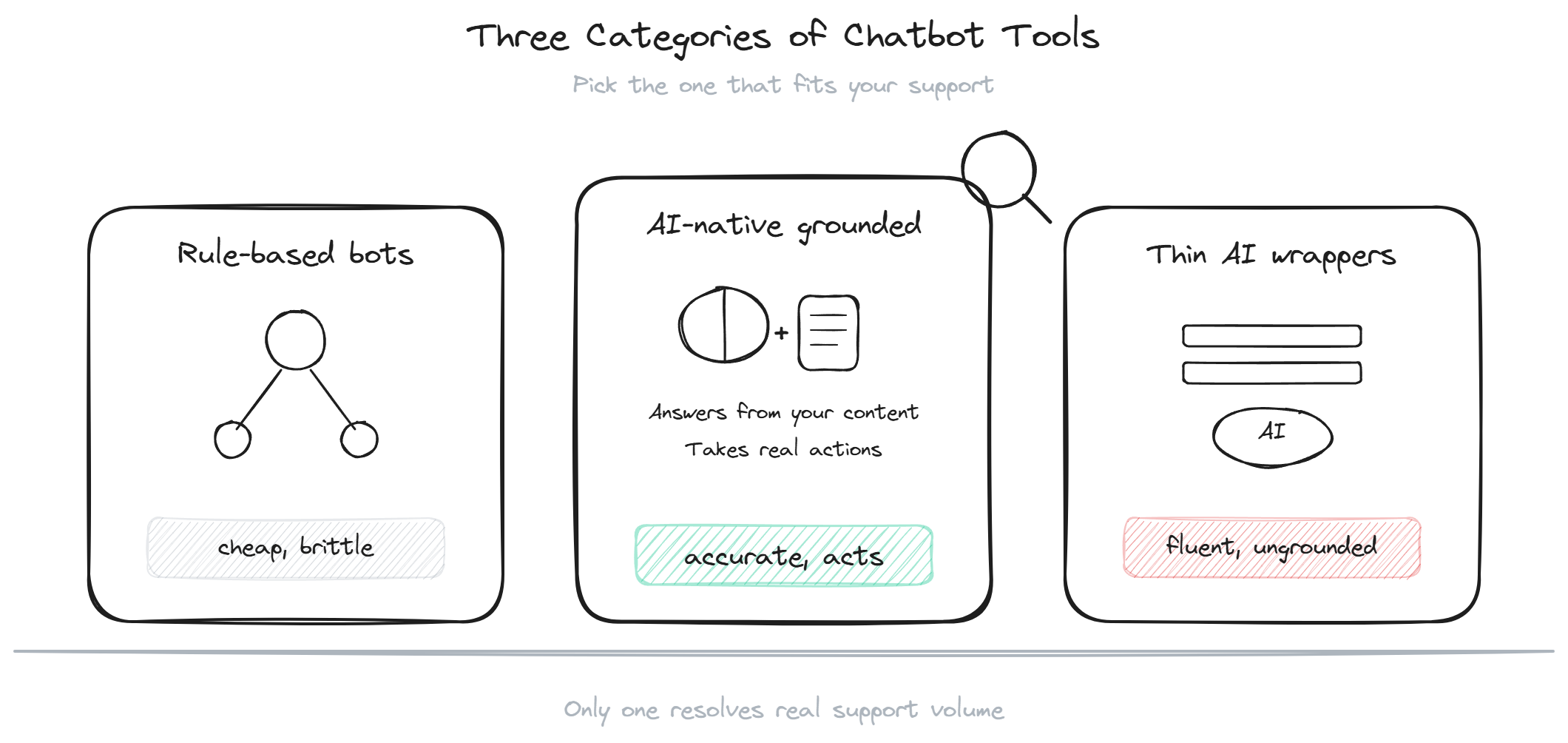
The categories of chatbot tools
Customer support chatbot tools fall into three categories, and the category predicts behavior better than any individual feature.
Rule-based bots are the oldest. You build a decision tree: question, branch, answer, branch. Tools like the auto-responders in older help desk platforms work this way. They are cheap and predictable but brittle: they break the moment a customer phrases a question in a way the tree did not anticipate, which is most of the time. For a tiny FAQ with three questions, they work. Past that, they frustrate.
AI-native grounded tools pair a language model with retrieval over your content. They understand varied phrasing, answer from your documentation, and the better ones also take actions (order lookup, booking, billing queries). This is the category that resolves real support volume in 2026.
General-purpose LLM wrappers are thin interfaces over a public model with little grounding. They sound fluent and are cheap to deploy, but they answer from the model's general training rather than your content, which means confident wrong answers about your specific product. Avoid them for any support context where a wrong answer has a cost.
What separates the useful chatbot tools
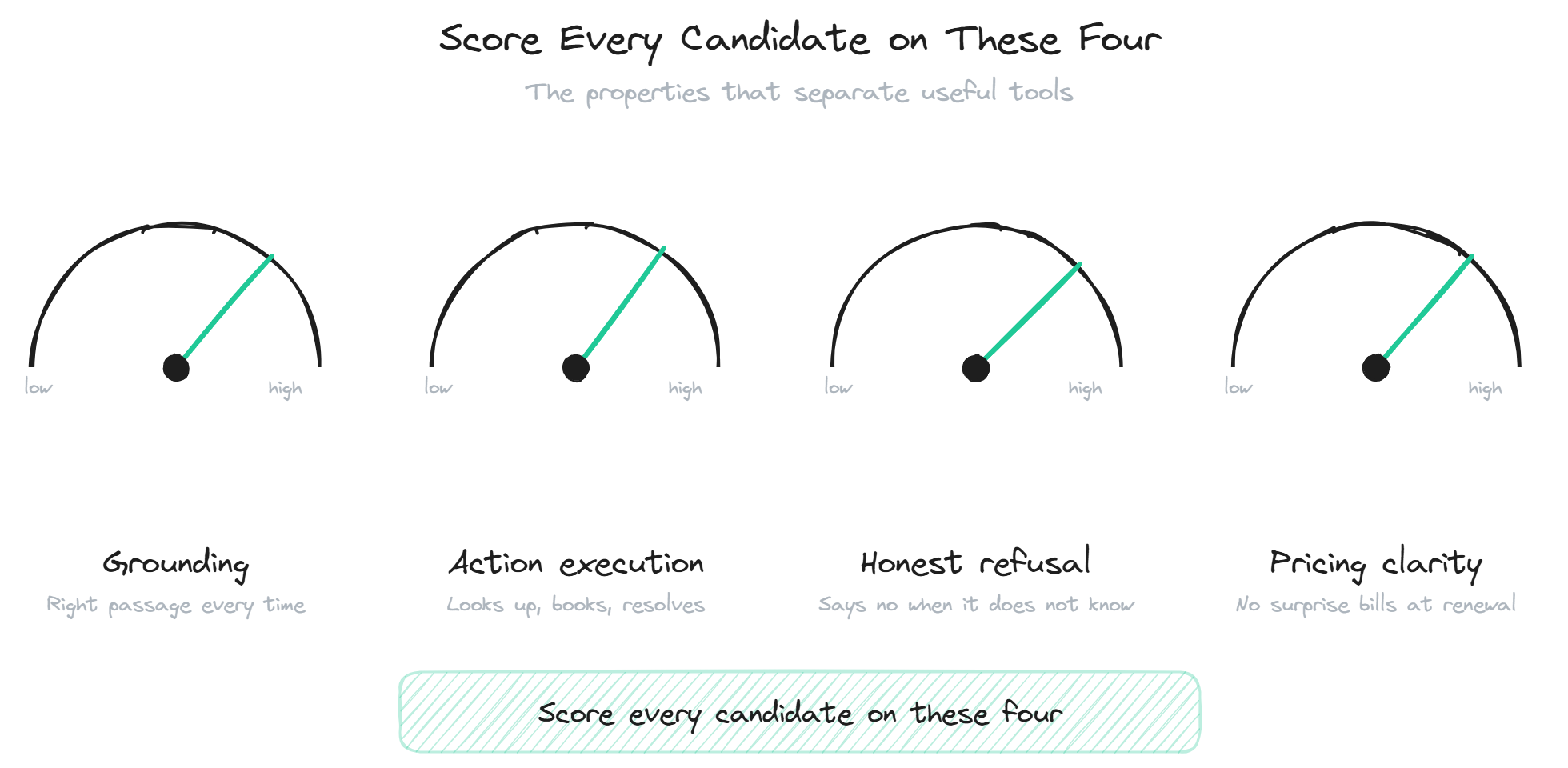
Four properties separate AI chatbot software that earns its place from the kind that gets switched off.
Grounding quality. The bot answers from your content, and its retrieval reliably finds the right passage. Weak grounding produces confident wrong answers regardless of the underlying model. This is the single most important property and the easiest to test on your own docs.
Action capability. The bot can do things, not just answer: look up an order, fetch a renewal date, book a meeting. For transactional support (ecommerce, subscription SaaS), this is what turns deflection into resolution. A bot that can only quote policy leaves the highest-volume questions unresolved.
Honest refusal. When the bot does not know, it says so rather than guessing. A tool that guesses creates liability; a tool that refuses cleanly is safe to deploy. This is a configuration default that varies widely between tools.
Pricing transparency. The model scales predictably with your traffic instead of surprising you at renewal. Per-resolution, per-seat, per-conversation, and flat-tier models produce very different bills, and the model matters as much as the headline number.
How the tools stack up
The incumbents (the AI features inside Intercom, Zendesk, and similar platforms) score well on grounding, moderately on action execution, and weakly on pricing simplicity for a focused buyer. They are help desk platforms first, AI tools second.
The AI-native support agents score strongly across grounding, action execution, and honest refusal, with transparent flat pricing, at the cost of help desk breadth. They connect to a help desk for escalations rather than being one.
If you are weighing a ticket-automation platform against a lighter agent, the Forethought alternative breakdown covers that trade.
The rule-based and wrapper tools score poorly on grounding and refusal and should be limited to low-stakes uses. For a customer-facing support bot, neither category holds up.
BestChatBot sits in the AI-native group: grounded retrieval with a knowledge graph layer, action execution across Shopify, Stripe, Calendly and others, honest refusal by default, and flat tiered pricing. It is a focused support agent rather than a full platform, which is the right trade for teams that want exactly that. For the product-side view of how this works on a website specifically, the support chatbot pillar covers the deployment.
How to choose without the checklist
The feature checklist is a trap because every vendor can tick every box. The evaluation that produces a real answer is shorter and harder to game.
Pick two or three candidates. Point each at your actual documentation. Run the same 100 historical support tickets through every one and score the answers as correct, partial, wrong, or refused. The tool with the lowest wrong-answer rate on your own content wins on the property that matters most.
Then test action execution on your real systems if transactional support matters, and model total cost at your actual monthly volume rather than comparing list prices. Those three tests beat any feature comparison, including this page. For the broader category roundup that goes group by group, the best AI support tools listicle covers more detail.
FAQ
- What is the best chatbot tool for a small business? For most small businesses, an AI-native grounded tool with a free or low tier and fast setup fits best: it resolves repeat questions without the cost and complexity of a full help desk platform. Test the candidates on your own content to confirm grounding quality before committing.
- Are AI chatbot tools better than rule-based ones? For anything beyond a tiny fixed FAQ, yes. Rule-based bots break on phrasing they did not anticipate; AI tools understand varied phrasing and answer from your content. Rule-based bots still have a place for very simple, fully predictable flows.
- How much do chatbot tools cost? Pricing ranges widely by model: flat tiers from free to a few hundred per month for AI-native tools, per-resolution or per-seat models for the platform incumbents that can run higher at volume. Model your actual volume to compare; list prices alone mislead.
- Can a chatbot tool resolve tickets without a human? The grounded, action-capable ones resolve a meaningful share (often 50-70% at maturity) without a human, escalating only the exceptions. Rule-based and wrapper tools resolve far less reliably. The resolution rate depends on your content and question mix.
- Do I need technical skills to set one up? For AI-native tools, usually not: install a widget, point it at your docs, configure a few settings. Deeper customization or custom connections may need a developer, but the basic setup is no-code on most modern tools. For pricing details, see pricing.
For pricing details, see plans.
If action capability is your deciding factor, see the deeper case for a customer service AI that acts, not just answers.