
AI Community Support for Discord
A Discord community support bot answers repeat questions, frees moderators, and learns from real conversations. See how it changes server support.
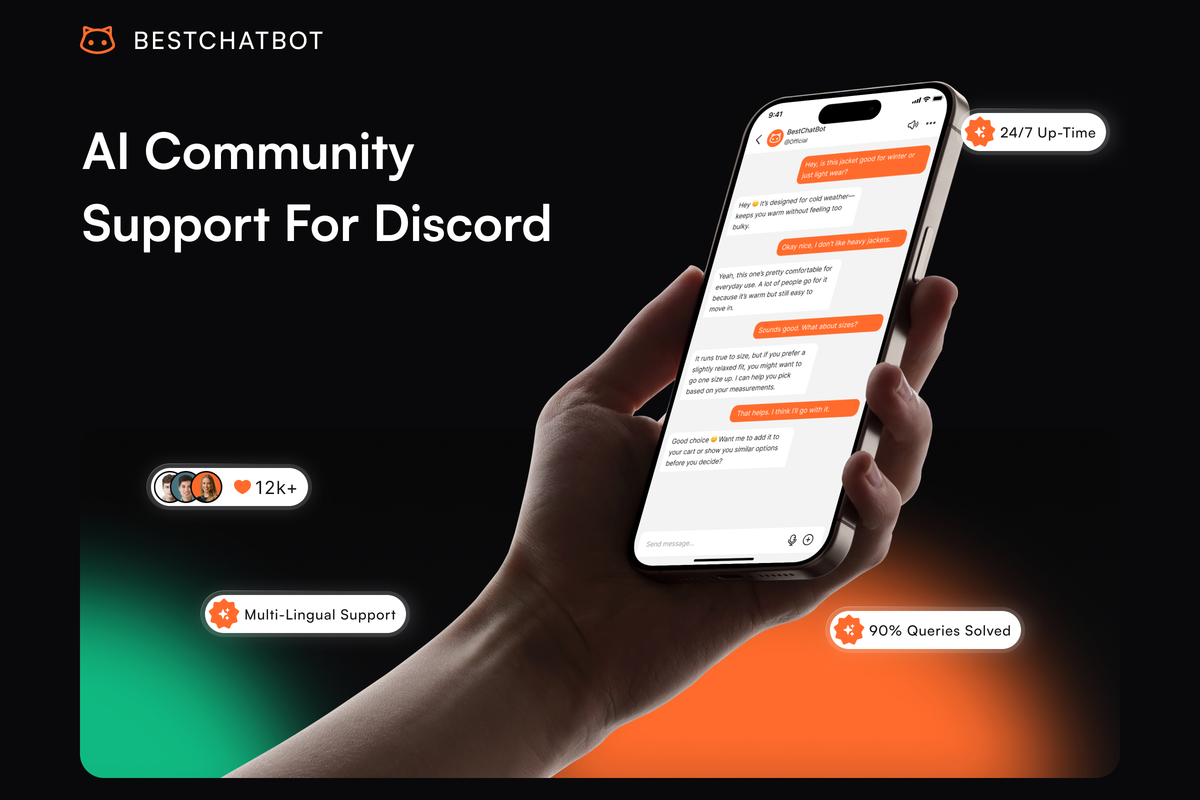
Community support inside a Discord server looks nothing like community support on a website. There is no ticket queue, no email thread, no neat little "Submit" button. Instead, there are forty messages an hour across six channels, mixed in with memes and announcements, with three volunteer moderators trying to spot the actual support questions in real time. A Discord community support bot is built specifically for this shape of problem, and that shape is what makes the bot's job different from any web-based support tool you have used before.
This page walks through what community support actually means in a Discord context, where the work breaks at scale, and what changes when an AI bot starts handling the repetitive layer of it.
What community support looks like inside Discord
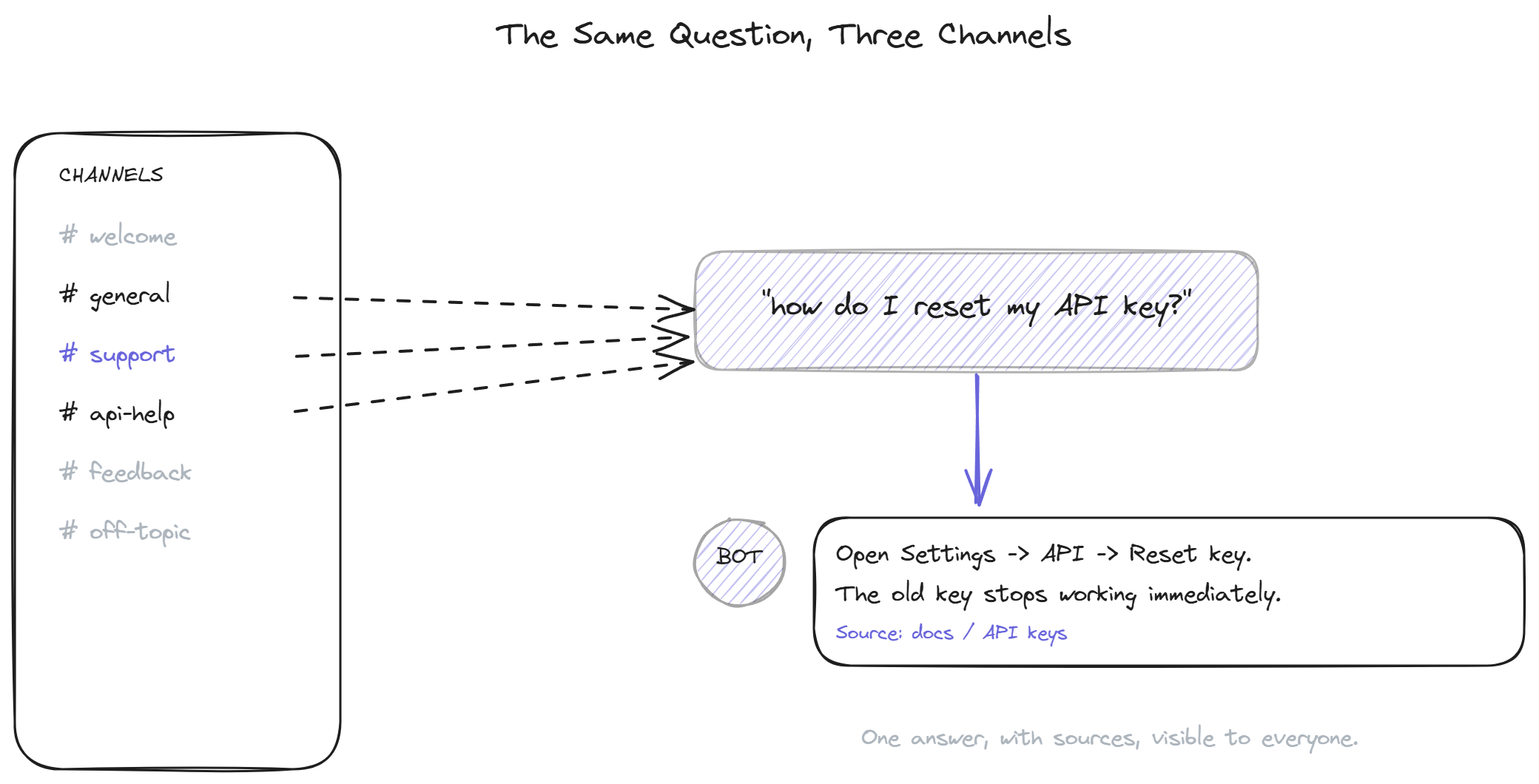
Community support is the answer to questions members ask each other and the moderators in a shared space. It is not one-to-one like email support, and it is not anonymous like a help center search. Every question has an audience, and every answer becomes part of the searchable history of the server.
That public nature changes the economics. A single moderator who types a thoughtful answer to a question in #api-help is helping not just the person who asked, but also the next dozen people who will search the channel history before asking again. The opposite is also true: a frustrated, terse, or wrong answer ages badly because everyone can see it months later. Community support amplifies whatever quality your support culture has.
The questions themselves cluster around four categories in almost every server. There are factual product questions, which have a single correct answer and could be lifted straight from the docs. There are troubleshooting questions, which require some back-and-forth but follow predictable patterns. There are opinion or recommendation questions, where the answer depends on the asker's specific situation. And there are off-topic conversations that drift into support without anyone meaning to. A good community support bot focuses entirely on the first category and stays out of the way of the other three.
Where community support breaks at scale
For the first few hundred members, support inside Discord works because everyone knows everyone. The founder answers questions personally. The earliest power users help out for fun. Pinned messages cover the obvious basics. Nothing about this scales.
Past a thousand active members, the same questions start repeating dozens of times a week. The moderators who were happy to help at member 200 burn out by member 1,500. New members ask questions that have been answered ten times in the past month but cannot find the previous answers because channel history is hard to search. The questions go unanswered for hours, sometimes days, and the perception that "support in this community is slow" becomes the actual reality.
The instinct most server owners reach for first is recruiting more moderators. This works briefly and then makes the problem worse, because more moderators means more inconsistent answers and more coordination overhead. The next instinct is writing better pinned messages and !faq commands, which fail for the reason every static FAQ approach fails: people do not read them.
What community support at scale actually needs is a layer that handles the repetitive factual questions automatically, so the human moderators can spend their time on the conversations that genuinely need them. According to Discord's own publicly reported figures from 2024, the platform serves more than 200 million monthly active users across roughly 19 million active communities, which gives a sense of just how many servers have hit this exact wall.
What an AI-powered community support bot changes
A Discord community support bot reads messages in the channels you point it at, recognizes which messages are support questions (as opposed to chatter or social conversation), and replies with an answer pulled from your knowledge base. The reply lives in the channel, with a link to the source documentation, where everyone can see it.
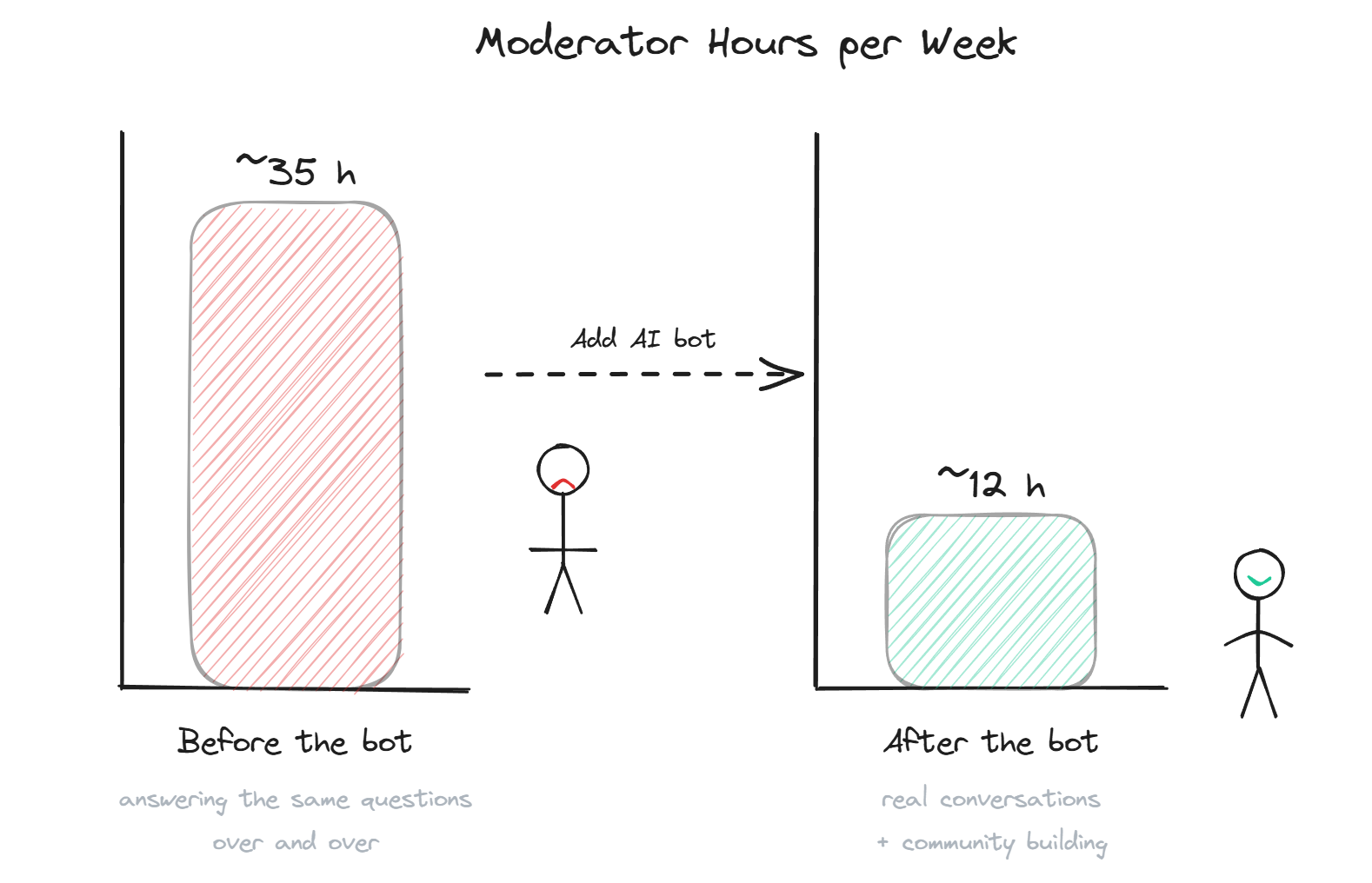
The change this produces in a community is usually visible within the first week. The factual question category, which used to take up most of a moderator's evening, gets handled instantly during the hours when no human is online. The moderators come back the next morning to find that twenty questions were resolved without them. The members who asked got fast answers, with sources, and did not have to wait for someone to wake up in a different time zone.
The compounding effect is what makes the investment pay off. Every time a moderator does have to answer a question the bot did not know, the supervised autolearning loop captures that exchange, validates it for quality and on-topic relevance, and adds it to the knowledge base. The bot's coverage grows organically from the actual support workload, so the questions that come up most often are the ones the bot learns first.
For communities where the support culture overlaps with helping new members find their way around the server, the member onboarding angle is worth reading alongside this one, because the two use cases share a lot of infrastructure.
Use cases by community shape
Different communities use Discord for different reasons, and the support bot's role shifts depending on which kind of community is running it. Four common shapes:
SaaS product communities run Discord as an extension of customer support. The members are users of the product, the questions are about features and billing and integrations, and the bot's knowledge base is the product documentation. This is the cleanest fit. The bot resolves a meaningful percentage of what would otherwise become support tickets, and the support team only sees the cases that genuinely needed human judgment.
Web3 and crypto communities run Discord as their primary touchpoint with the project. The questions are about tokenomics, governance, contract addresses, and roadmap. Source citations matter enormously in this context, because misinformation about contract addresses or staking mechanics has direct financial consequences. A bot that cites its sources and refuses to invent answers is the right tool; a bot that sounds confident but improvises is a liability.
Open source projects use Discord as the place where contributors and users meet. The questions are about installation, configuration, error messages, and how to contribute. The bot's content is the README, the docs site, and the maintainers' pinned messages. The autolearning loop is especially valuable here because every new release introduces a new wave of the same setup questions.
Creator and gaming communities use Discord for everything from event coordination to general fan engagement. Support questions are smaller in volume but follow a tight script: server rules, schedule, where to find specific content, how to access a member-only channel. A small knowledge base covers most of it, and the bot's job is mostly about pointing people to the right channel or pinned post.
Many startup teams treat their Discord as their primary support channel before they even have a help center, which is why the broader picture of lean support often involves community support as a core piece.
Setting up for community support specifically
The setup decisions for a community support bot differ in two important ways from a web widget rollout. The first is channel scope: the bot needs to know which channels are for support and which are not, and it needs to stay out of the latter. The fastest path to getting the bot kicked from a server is having it pop up in a casual chat channel with a "useful" answer to something nobody asked.
The second is tone. Discord is conversational. A bot that copies the formal voice of a help center will read as a corporate intrusion. The replies should sound like a knowledgeable community member, not a customer service rep. Short, direct, with the source link at the bottom, and no corporate-speak. This is mostly a configuration choice at install time, and it is worth getting right before the first day of live use.
The third practical consideration is what the bot does when it does not know. The community has a culture of moderators answering questions, and the bot should fit into that culture rather than displace it. A bot that says "I do not have that information, a moderator will help shortly" preserves the moderator's authority. A bot that guesses and gets it wrong undermines it.
BestChatBot covers all three: per-server channel configuration, conversational tone defaults built for Discord rather than for help-center prose, and an honest "I do not know" pattern that pings moderators when the bot's confidence is low.
FAQ
- How is community support different from regular customer support? Community support happens in a shared space where every answer is visible to other members and becomes part of the searchable history. Regular customer support is one-to-one (email, ticket, private chat). The community version benefits more from public, sourced answers because the second person to ask the same question often finds the previous answer before asking.
- Will the bot replace our moderators? No, and you should not want it to. Moderators do things the bot cannot: judge tone, settle disputes, recognize when a member needs personal attention rather than information. The bot handles the repetitive factual layer so that the moderators can spend their time on the work that actually needs a human.
- What if our community asks questions in multiple languages? Modern community support AI bots handle 50+ languages on a single knowledge base. The bot detects the language of the incoming message and replies in kind, drawing from the same source content regardless of which language the docs are written in.
- Can the bot work in voice channels? Most bots operate only in text channels today. Voice support is a different technical category and is not standard yet. If voice support matters to your community, check the specific vendor's capabilities before assuming it is supported.
- How long before we see results? Most communities see meaningful coverage of repeat questions within the first week of running the bot in their busiest support channel. The autolearning loop continues to improve coverage over the following months as moderators answer the questions the bot did not know.
For active Discord communities, a community support bot is one of the few interventions that improves the experience for both members and moderators at the same time. Members get faster, more consistent answers. Moderators get their evenings back. When you are ready to install one, see plans and pick the tier that matches your server's activity.