
Returns and Exchanges Actions via Chatbot
Returns and exchanges actions via chatbot let the agent start the return or swap the item in Shopify or WooCommerce, after it checks who is asking.
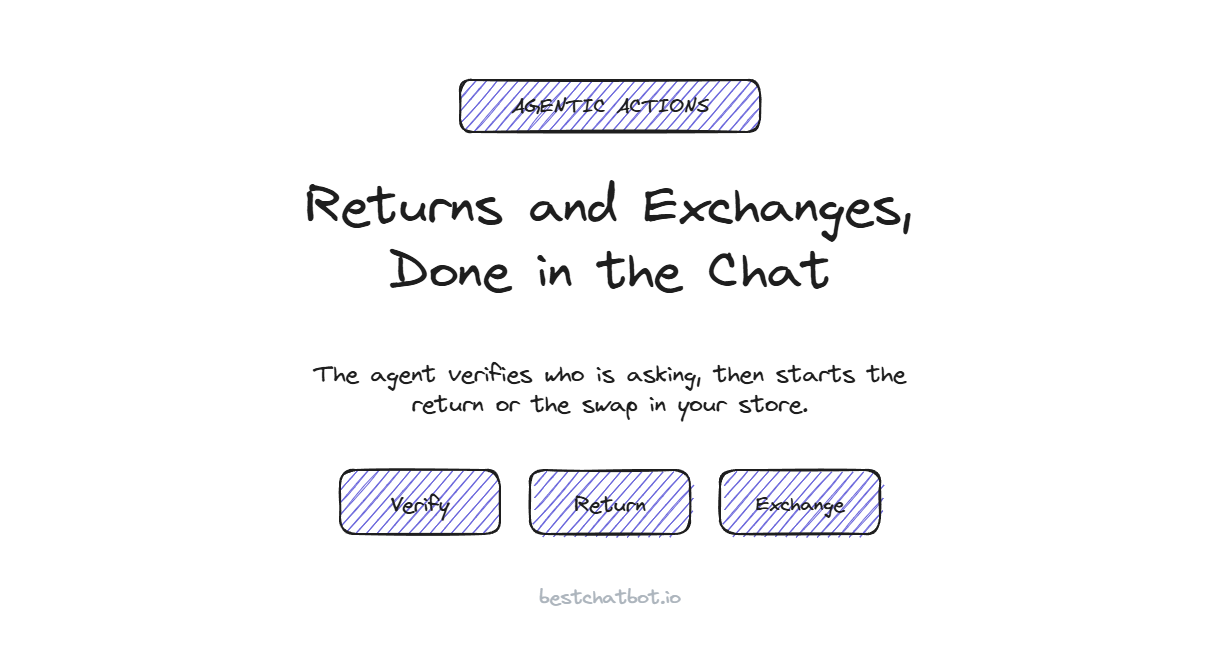
A customer types "this jacket is too small, I want a medium" into your chat. Most support bots reply with a link to your returns policy and a form on another page. The work is still sitting on the customer's plate. Returns and exchanges actions via chatbot close that gap: the agent reads your policy, confirms the customer is who they claim to be, then starts the return or the swap directly in your store. We built BestChatBot to finish that task in the chat, not to hand it back.
This is the action-taking side of the agentic AI support pillar. Answering "what is your return window?" from your docs is one job. Actually opening the return on the right order is a different one, and it is the part that drains your inbox.
Answering about returns vs running the return
There is a real line between the two, and customers feel it immediately.
An answer-only bot tells the shopper how returns work. It quotes the 30-day window, lists the steps, and points at a portal. The shopper still has to find the order, pick the item, choose a reason, and submit it somewhere else. That is the moment most people give up and email your team instead.
An action-taking agent does the steps itself. It looks up the order tied to the verified customer, reads which items qualify, and starts the return or exchange against your store platform. Then it writes back what happened: the item is queued for return, here is the label, the medium is reserved for the swap. One bot describes the process. The other completes it.
We think this matters more for returns than for almost any other action. A return is the one workflow a frustrated customer wants over with fast, and every extra tab is a reason to escalate. If you are still deciding which return questions to answer versus which to act on, the returns support guide for online stores covers that split in detail.
How a return or exchange runs inside the chat
The flow is the same shape every time: identify, check eligibility, act, confirm. The agent runs it against your one store platform, Shopify or WooCommerce, never both at once.
Here is what each step does in practice:
- The customer asks to return or exchange something in plain language.
- The agent confirms a verified identity before it touches any order data.
- It pulls that customer's recent orders and finds the matching item.
- It checks the item against your rules: inside the window, eligible category, not a final-sale product.
- For a return, it starts the return in your store. For an exchange, it sets up the swap to the new size or variant.
- It reports the result back in the chat, with whatever your store generates, like a return reference or a label link.
A return and an exchange share that backbone. The difference is the last step. A return sends the item back and triggers your refund process, which lines up with the other subscription and billing actions the agent can run on a verified account. An exchange reserves the replacement and ties it to the same order, the one the checkout flow originally created, so the customer is not left re-buying and waiting on a separate refund.
Why the agent checks who is asking first
Returns touch a specific person's orders, money, and address. That is not public information, so the agent never acts on it for an anonymous visitor.
Before any return or exchange runs, the agent verifies the customer's identity through a token your site signs. A valid identity lets the action proceed. An invalid one blocks it instead of guessing at an account. When there is no token at all, the agent stays on a safe path: it can still explain your return policy from your knowledge base, but it will not open a return. The customer's email and name come straight from that signed identity, so nobody can start a return on someone else's order by typing a different address into the chat.
This is a hard rule for us, not a toggle. An agent that could refund or swap items without checking identity is a fraud vector and a data leak in one. We would rather decline a request than act on the wrong person's order. You can read more about the mechanics on the agentic AI support overview.
What makes an item eligible, and what gets escalated
The agent does not approve every request. It applies the rules you already enforce, then decides whether it can act or whether a person should.
Most of that decision comes down to a short checklist the agent reads before acting:
| Signal | Agent can act | Needs a person |
|---|---|---|
| Order date | Inside your return window | Outside the window |
| Item type | Standard, restockable | Final sale, custom, perishable |
| Identity | Verified token, order matches | No identity, or mismatch |
| Request type | Return or like-for-like exchange | Refund dispute, damaged claim with photos |
When a request falls in the right column, the agent does not fake an answer or push it through anyway. It opens a ticket in your support tool, Zendesk or Freshdesk, with the order and the reason attached, and routes it to your team's inbox. The customer gets a clear message that a human is picking it up. There is no live handoff to a person mid-chat, the agent creates the ticket and reports its status back.
That split is the whole point. Routine, in-policy returns get finished by the agent in seconds. The judgment calls land in front of a human with the context already gathered, so your team is not starting from a blank ticket.
When return and exchange actions earn their place
If your chat is mostly people reading your policy, an answer-only bot handles a lot of it. The math changes when a chunk of your daily volume is customers asking you to do the return, not explain it.
Action execution sits on the Pro and Business plans, since running real returns against a live store is heavier than answering from text. The agent connects to your store through Shopify or WooCommerce over a secure connection, and a specialized provider holds those credentials encrypted so BestChatBot never stores them directly. If you want to see the store side of that connection, our Shopify support setup walks through how the agent reads and acts on orders.
A quick way to size the payoff: count how many of your weekly tickets are "please start my return" or "can I swap this size" rather than "how do returns work." Every one of those the agent finishes is a ticket your team never opens.
FAQ
Can the chatbot actually start a return, or just explain the policy?
It does both. The agent answers policy questions from your knowledge base, and on the Pro and Business plans it starts the return or exchange in your store after it verifies the customer's identity. The result, like a return reference or label, comes back in the same chat.
Which store platforms support return and exchange actions?
Shopify or WooCommerce, one per store. The connectors are mutually exclusive, so the agent acts against a single store platform at a time rather than juggling several.
Does the customer have to log in to return something?
For policy questions, no. To start a return or exchange tied to a real order, the agent needs a verified identity that your site signs. A valid token lets it act, an invalid one blocks it, and the customer's email and name are pinned from that token so they cannot act on another person's order.
What happens when a return is not eligible?
The agent does not push it through. It opens a ticket in Zendesk or Freshdesk with the order and reason attached and routes it to your team, then tells the customer a person is handling it. Out-of-window items, final-sale products, and damaged-item claims go this route.
Does this replace my returns team?
No. It finishes the routine, in-policy returns and exchanges on its own and escalates the judgment calls as tickets with context attached. Your team handles the disputes and edge cases instead of every simple swap.
To see which plan includes return and exchange execution, head to the pricing guide.