
AI Web Widget for Website Support
A web widget chatbot that answers from your docs and triggers real actions in Shopify, Calendly, HubSpot, Stripe. See how to add it to any site.
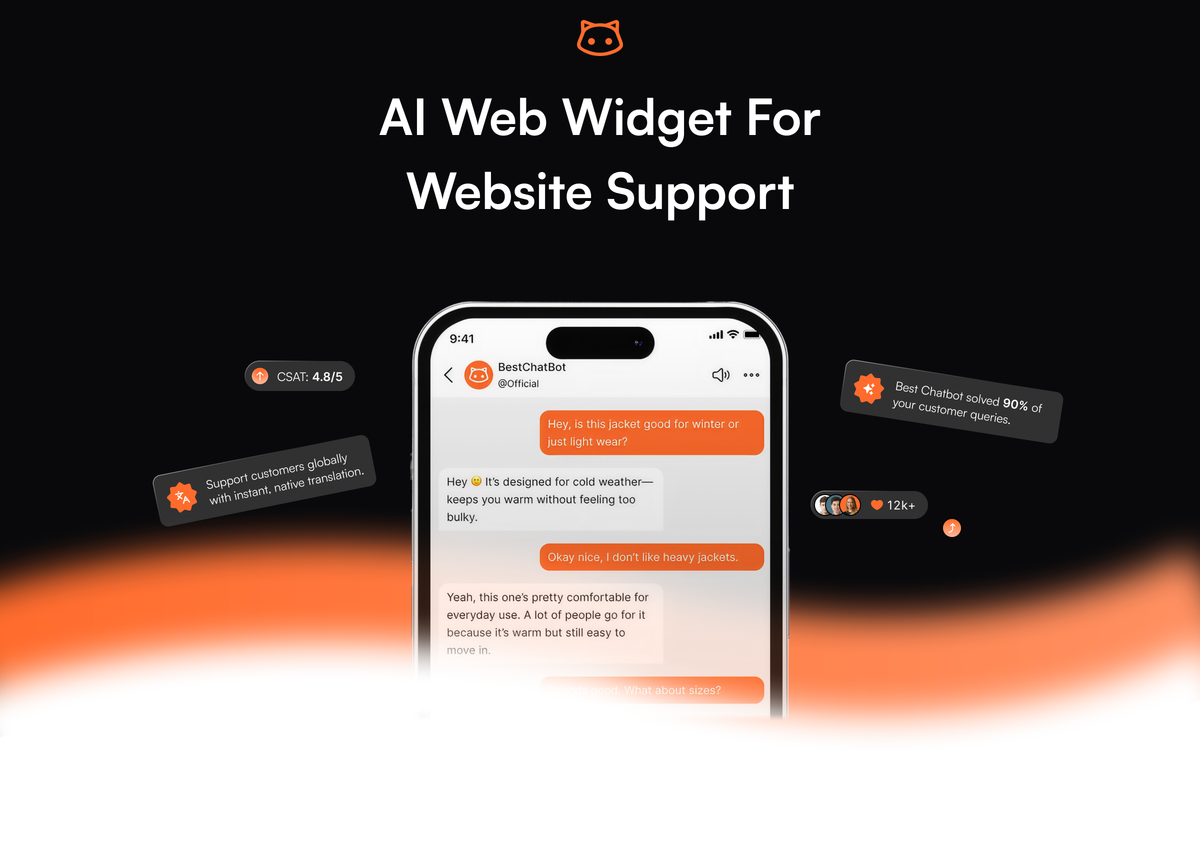
A web widget chatbot is the visible 60×60 pixel circle in the bottom corner of a website. What sits behind it is what separates the widgets that earn their keep from the ones that get switched off in week three. The interesting widgets in 2026 do not just answer questions. They check order status in Shopify, book demos in Calendly, create contacts in HubSpot, and pull subscription dates from Stripe, all without forcing the visitor to leave the chat. This page is about what a useful AI web widget actually looks like, what it should do beyond answering questions, and how to add one to your site.
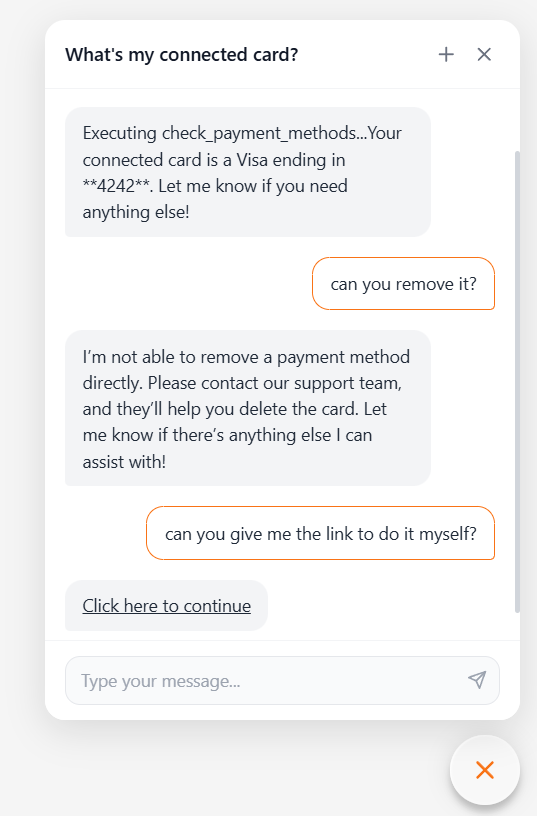
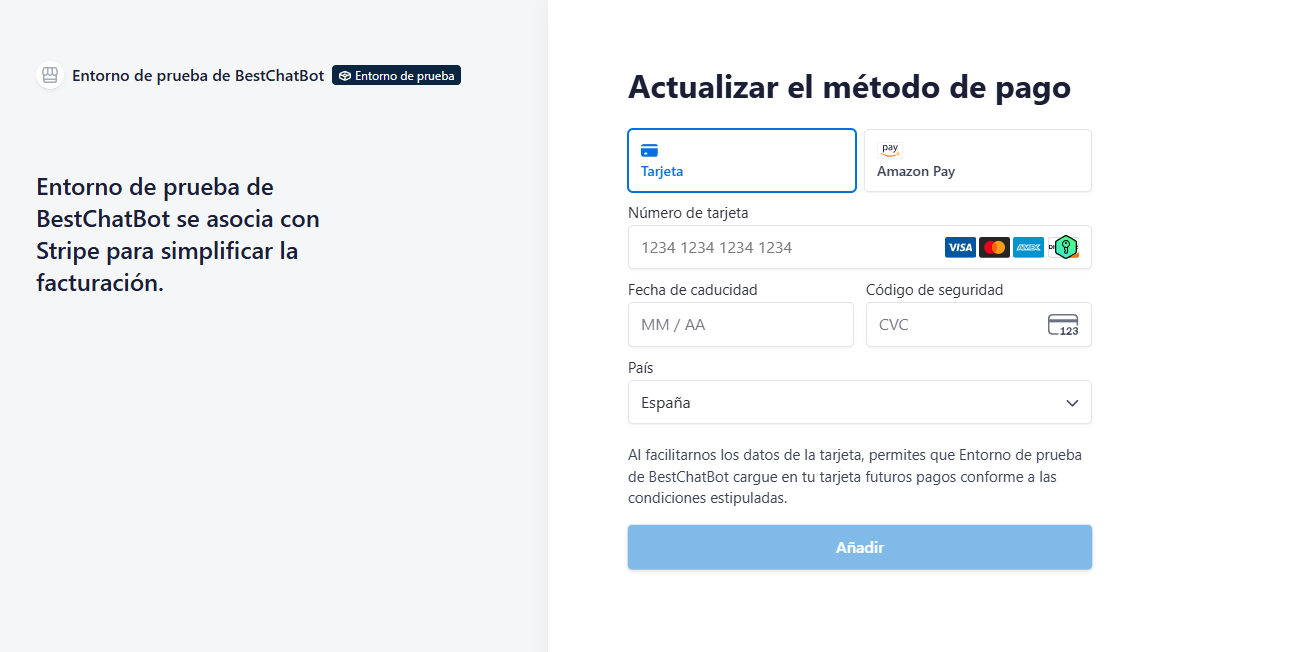
What an AI web widget actually is
A web widget is a piece of JavaScript that you paste once into your site and that renders a chat interface on every page where you want it. The user clicks the bubble, types a question, and gets an answer. That much has been true since 2015.
What changed in the last two years is what happens between the question and the answer. A modern AI web widget pairs a language model with a retrieval layer that pulls passages from your private knowledge base (docs, FAQ pages, scraped URLs, uploaded PDFs). The model writes the response, but the facts come from your content. That is the difference between a support widget that sounds confident and one that is actually correct.
The other thing that changed is that the widget can now act, not just talk. Connect it to your store and it can answer "where is my order?" by looking up the actual order. Connect it to your calendar and it can book a meeting inside the chat. Connect it to your billing system and it can tell a customer when their subscription renews. This is the gap between a chat widget that deflects tickets and one that closes them.
Why most web widgets stop at answers
Walk through ten random SaaS sites and try the chat widget on each. Most will do exactly one thing: read a help article back to you. If you ask "when does my trial end?", you will get "trials last 14 days from signup", which is not your trial. If you ask "can you cancel my subscription?", you will get a link to the help center. The widget knows the policy but cannot touch your account.
This gap matters because most support questions are about a specific customer's specific situation, not about general policy. According to Zendesk's 2026 CX Trends, 74% of consumers now expect customer service to be available 24/7, and that expectation does not pause for "let me check with the team and get back to you tomorrow". A widget that can only quote docs is a widget that escalates the questions that matter most. CX Trends
The fix is connecting the widget to the systems where the answers actually live. Order data lives in Shopify or WooCommerce. Subscription data lives in Stripe. Calendar slots live in Calendly or Cal.com. A widget that reads from those systems on demand turns "let me check with the team" into a 15-second response.
What a useful AI web widget does on a modern site
Five capabilities matter, in roughly this order:
- Knowledge base grounding. The widget reads answers from your own content (uploaded docs, scraped help center, manually edited FAQ entries) and not from generic training data. A knowledge graph layered on top of vector search produces sharper retrieval than similarity-only matching, which means fewer "close but wrong" answers.
- Action execution. The widget can call external systems on the user's behalf: look up an order, book a slot, create a ticket, fetch a subscription detail. This is the agentic part, and it is what makes the widget useful for transactional support, not just FAQ deflection.
- Identity verification. When the widget acts on behalf of a logged-in user, it needs to know that user is actually who they claim to be. JWT-based identity passing from your authenticated session to the widget prevents the obvious "what is the email of user X?" attack. Any widget that handles real customer data without this is a liability.
- Brand customization. Position, colors, opening message, and avatar should match the site, not the vendor's default purple. A widget that looks like a generic SaaS popup gets ignored.
- Multi-channel knowledge consistency. If you also run a Discord community or a help center, the widget should pull from the same knowledge base, so visitors get the same answer across channels. Maintaining three parallel knowledge bases is how content goes stale.
For the technical side of getting the widget on the page, the widget integration guide covers the embed script and platform-specific install paths.
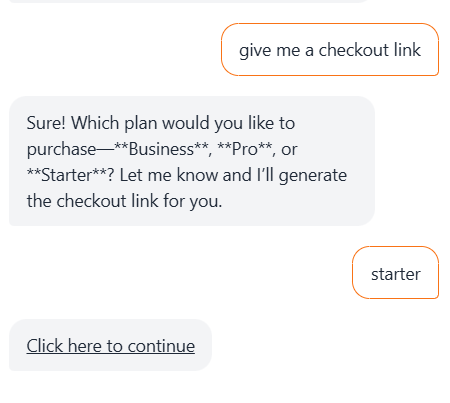
Connections that make the widget actually do work
The list of systems the widget can read from and write to is the real product. The useful ones for most teams:
- Shopify / WooCommerce. Order status lookup, return initiation, product information from the catalog. WISMO ("where is my order?") is the highest-volume support question in ecommerce, and a widget that handles it natively cuts that ticket category to near zero.
- Calendly / Cal.com. Book a demo or a support call inside the chat. The visitor never has to leave the conversation to pick a slot, which lifts conversion on inbound demo requests measurably.
- HubSpot. Create contacts and log conversations against existing records. The chat is no longer a separate data island; every interaction enriches the CRM.
- Stripe. Read subscription dates, plan tiers, and billing status. This is the system most support teams have to dig into manually for the simplest billing questions.
- Zendesk / Freshdesk. When the bot cannot resolve something, open a ticket with the full conversation transcript attached, so the human agent picks up with full context. This is not the same as live human handoff (the visitor does not get transferred mid-chat to a person), but it does mean the ticket the team sees is already half-documented.
The depth of these connections is what separates a chat widget from a working AI web widget. A bot that knows your policies but cannot read your data is doing half a job.
Placement and behavior that does not annoy people
The most common mistake on web widget rollouts is configuration that prioritizes "engagement" over visitor sanity. Three rules:
- Do not auto-open on page load. Default vendor configs often pop the widget within three seconds of every page load. This raises bounce rates and trains users to dismiss it without reading. Set the trigger to fire after 20-30 seconds of engagement, on exit intent, or only on high-value pages like pricing and contact.
- Match the message to the page. "Hi, how can I help?" everywhere is generic. "Questions about pricing?" on
/pricing/, "Need help finding a size?" on a product page, "Want a demo?" on the home page. Page-specific opening messages convert 2-3x better than generic ones. - Make the close button obvious. A widget the user cannot dismiss easily is a widget that turns into a complaint. The X should be where users expect it (top-right of the open chat), and the minimized bubble should be small and quiet.
For teams where the support model depends on a live agent picking up complex cases, the broader topic of handoff flow is worth reading before committing to a specific widget. Different products handle the bot-to-human moment in very different ways.
How the embed actually works
The technical install is the easiest part of the whole project. The vendor gives you a JavaScript snippet, you paste it before the closing </body> tag, and the widget appears on every page that loads that script. On WordPress, Shopify, Webflow, Wix, or Ghost, this usually means pasting once into a global code injection field.
Three configuration knobs at install time are worth getting right on day one:
- Allowed domains. Restrict the widget to the domains you own so the script cannot be embedded on third-party sites that look like yours.
- Authentication passing. If you have logged-in users, configure JWT passing so the widget knows who the visitor is. This unlocks the personalized action features (order lookup, subscription status) and prevents impersonation.
- Page targeting. Decide which pages get the widget. Most sites want it everywhere; some restrict it to support, pricing, and product pages to keep the help center cleaner.
BestChatBot's web widget covers all of the above and includes the supervised autolearning loop that captures the questions the bot could not fully answer, so the knowledge base improves automatically as real traffic uses the widget.
FAQ
- Is an AI web widget the same as live chat? No. Live chat connects the visitor to a human agent in real time. An AI web widget answers automatically using your knowledge base and can execute actions through connected systems. Some products combine both; BestChatBot focuses on the AI side and can open tickets in your help desk when the bot cannot resolve something.
- Can the widget access customer-specific data safely? Yes, when identity verification is configured. JWT-based authentication passes a signed token from your logged-in session to the widget, so the widget can read order or subscription data for that specific user without exposing it to anyone else. Without that layer, the widget should only handle general questions, not account-specific ones.
- Will the widget slow down my site? A well-built widget loads asynchronously, which means it does not block the rest of the page from rendering. Initial load adds 50-150ms typically. The widget script itself sits below the fold of perceived performance, so users do not feel it. Test with PageSpeed Insights before and after to confirm on your specific site.
- Does the widget work on mobile? Yes. Modern web widgets render as a full-screen overlay on mobile and a corner bubble on desktop. Test the open and close interactions on both, because some vendors handle mobile poorly even when desktop looks fine.
- Can I customize the widget to match my brand? Position, colors, fonts, avatar, opening messages, and triggers are all customizable on most modern widgets.
A web widget chatbot is one of the highest-leverage support investments available right now, especially when the widget can act on data and not just quote policies. The shortlist of things that separate a good widget from a forgettable one is short: knowledge grounded in your own content, real connections to the systems where customer data lives, identity verification you can trust, and configuration that respects the visitor. When you are ready to install the widget, see plans and pick the tier that fits your traffic.
Related: set up an ecommerce order tracking bot.