
Stripe Billing Integration for Your Support Chatbot
Connect Stripe to your AI support agent so the chat reads billing status and sends customers to Stripe's hosted portal. Identity-gated, no card data in chat.
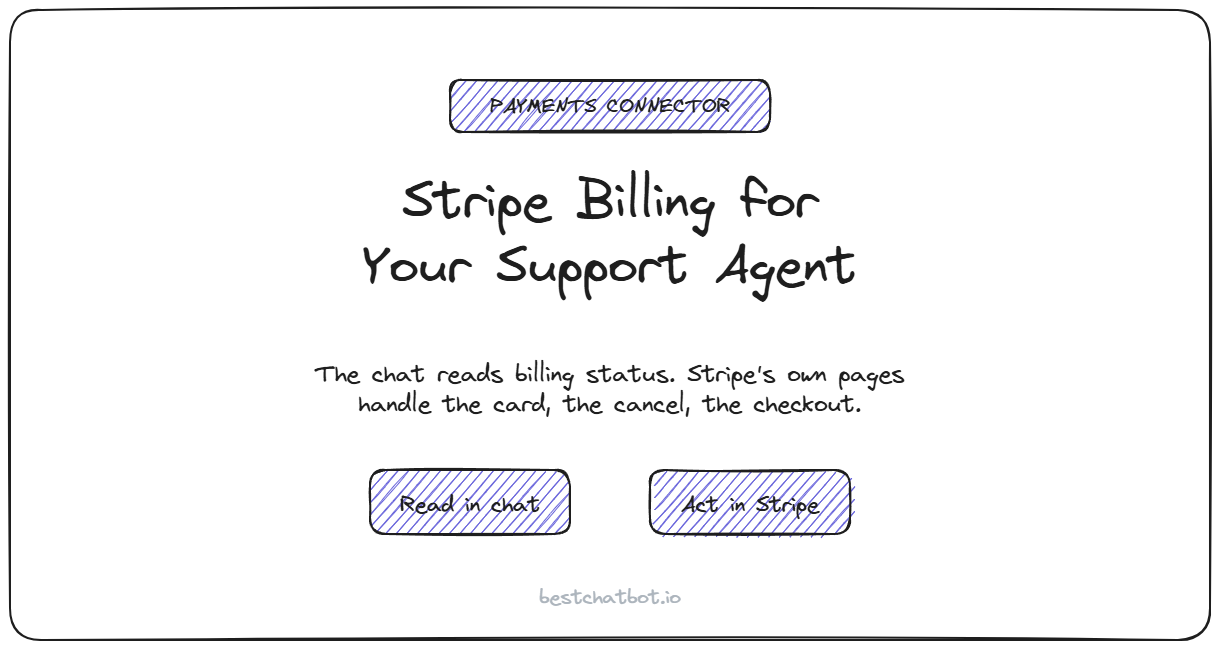
"Where's my invoice?" and "how do I cancel?" are two of the most common questions a paying customer types into a chat widget, and two of the most frustrating to leave unanswered. Most bots send the person to a help article or, worse, tell them to email billing and wait. We built the Stripe connector so the agent can read a customer's real billing status during the chat, then hand them a secure link to do the sensitive part themselves. This is AI billing support that answers the account question without ever touching a card.
The split matters. The agent answers the billing question from live Stripe data, and anything that touches money or a card goes through Stripe's own hosted pages, not the chat box. Your customer gets a straight answer, your support queue loses a pile of repeat tickets, and no card number ever passes through the widget.
This page covers what the Stripe connector reads, why subscription changes happen in Stripe's portal instead of the chat, how the agent confirms who is asking before it reads anyone's billing, and where the connection lives.
What the Stripe connector actually does
The connector is built around a clean line: reading is in the chat, changing is in Stripe. The agent can pull a customer's billing picture and explain it in plain language, but the moment an action would move money or edit a payment method, it sends them to a Stripe-hosted page that Stripe secures end to end.
Here is what the agent can read and do once Stripe is connected:
| Job | What the agent does |
|---|---|
| Check subscription | Read the plan name, current status, and next billing date |
| Check invoice history | List recent invoices with amounts, dates, and paid or unpaid status |
| Check payment method | Confirm the card on file by brand and last four digits only |
| Manage subscription | Hand over a Stripe Customer Portal link to cancel, upgrade, or update a card |
| Start a checkout | Hand over a Stripe Checkout link to buy a plan or product |
Notice the shape. The three "check" jobs read and explain. The two "manage" jobs do not change anything inside the chat, they generate a link to Stripe's hosted portal or checkout where the customer finishes the job. The agent never sees a full card number, never charges anyone, and never edits a subscription directly. We think that is the only honest way to wire billing into a chat: answer freely, act through Stripe's own secure flow.
Why changes happen in Stripe's portal, not the chat
A chat widget is a great place to find out what is going on with your account. It is a terrible place to type a card number. So we did not build the agent to take one.
When a customer wants to cancel, switch plans, or replace an expired card, the agent generates a link to the Stripe Customer Portal scoped to that customer. They click through, make the change on a page Stripe hosts and secures, and come back to the chat if they have more questions. The same goes for a new purchase: the agent hands over a Stripe Checkout link rather than collecting payment in the conversation.
This is what a Stripe Customer Portal chat flow looks like done right, and it is the backbone of a subscription self-service chatbot: the conversation explains, the portal executes. It keeps the card data where it belongs. Your widget is not a payment form, your support team is not handling card details over chat, and the customer is finishing the transaction in the same Stripe pages they already trust. The agent's job is to get them to the right door, explain what is behind it, and stay out of the way once they walk through. For the action-side view of these self-service flows, the billing and subscription self-service actions write-up goes deeper into how cancel, upgrade, and update map to portal links.
How the agent knows whose billing it can read
Reading a public FAQ is open to anyone who opens the chat. Reading a specific person's invoices is not. Billing data is private, so the agent checks who is asking before it returns a single number.
The three read jobs are identity-gated. When your site signs a verified identity for the visitor, a token your app passes to the widget, the agent pins the billing lookup to the email in that signed token. A returning customer asks "did my payment go through?" and gets a real answer about their own account. With no verified identity, the agent does not guess. For these billing reads it stays on a safe path and declines rather than pulling up a stranger's invoices, so nobody types a known customer's email to fish for their billing history.
That last point is the one we care about most. An agent that reads billing data off whatever email a visitor types is an obvious leak. Pinning the lookup to a signed identity closes it. Starting a checkout is the one job that does not need a verified identity, since buying a plan does not expose anyone's existing data, so a brand-new visitor can still ask to purchase and get a checkout link. If you want the full picture of how the signed-identity rule governs every customer-specific action, not just billing, the broader integrations overview shows how each connector follows the same gate.
Where the connection is stored
The agent never holds your Stripe secret key. A specialized provider stores that credential encrypted and refreshes the connection on its own, so BestChatBot does not touch the raw key. You connect Stripe to your chatbot once, approve the connection, and the agent works through that secure link from then on. The same pattern covers every connector, whether it uses OAuth or an API key.
Stripe is the payments slot in a set of eight connectors across five jobs: scheduling, e-commerce, support tickets, CRM, and payments. Unlike the calendar, store, and help-desk categories, where you pick one tool per category, Stripe does not compete with another connector, so it can run alongside any of them. A store running on a different platform can still wire Stripe for subscription billing on top. If you want to see how a write-heavy connector reads by comparison, the HubSpot CRM connector follows the same connect-once, act-with-identity shape, just pointed at contacts instead of invoices.
When the Stripe connector pays off
If almost nobody who opens your chat is a paying subscriber, you may not need this connector at all. The case gets strong the moment your support inbox fills with billing questions: where is my receipt, why was I charged, how do I cancel, can I switch plans. Every one of those is a question the agent can answer from live Stripe data, or a link it can hand over, instead of a ticket someone on your team works by hand.
Reading and acting on Stripe data is action execution, so it lives on our paid Pro and Business plans, not the free tier. Answering questions from your knowledge base works on every plan; reaching into Stripe to read a real subscription or generate a portal link is the part that comes with the agentic connectors. A Stripe chatbot earns its keep on exactly this volume, so a quick gut check on fit is to count how many chats a week are really billing questions in disguise. If that number is meaningful, the connector tends to earn itself back fast. The pricing guide lays out which plan turns on action execution and what else ships with it.
Ready to take billing questions off your team's plate? Start with the integrations overview to see every connector, then turn on Stripe and let the agent answer the billing questions your docs cannot.
FAQ
Does the Stripe connector charge customers inside the chat?
No. The agent never collects a card number or runs a charge in the conversation. For a purchase it generates a Stripe Checkout link, and for plan or card changes it generates a Stripe Customer Portal link. The customer completes the payment step on Stripe's own hosted pages.
Can the bot cancel or change a subscription on its own?
It does not edit the subscription directly. The agent creates a Stripe Customer Portal link scoped to that customer, and they cancel, upgrade, or update their card themselves on Stripe's page. The chat reads the billing status and points to the right action, Stripe handles the change.
Does a visitor have to be verified for the agent to read their billing?
For billing reads, yes. Checking a subscription, invoices, or the card on file is gated on a verified identity your site signs, and the lookup is pinned to that signed email so the agent never reads someone else's account. Starting a checkout is the exception, since buying a plan does not expose existing data, so an unverified visitor can still request a checkout link.
Does BestChatBot store my Stripe secret key?
No. A specialized provider stores the credential encrypted and refreshes the connection automatically. The agent works through that secure connection and never handles the raw key.
Can I run Stripe alongside my other connectors?
Yes. Stripe is the payments slot and does not compete with any category, so it runs next to a calendar, a store, a help desk, or a CRM at the same time. The categories that are mutually exclusive are calendar, e-commerce, and support ticketing, where you pick one tool each.
Which plan do I need for the Stripe connector?
Action execution runs on the Pro and Business plans. Free and Starter answer from your knowledge base, but the Stripe actions, reading billing and generating portal or checkout links, switch on with a paid plan.